

📌 Robust Laptop Power Cord
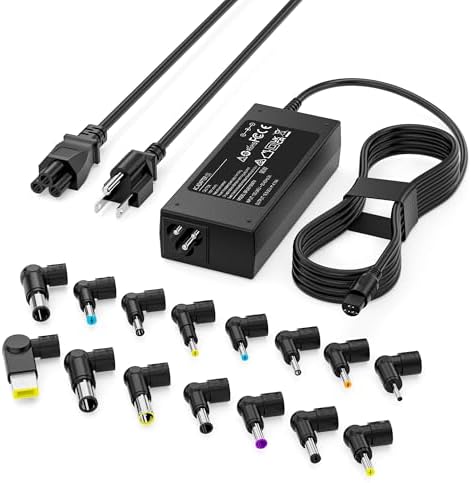
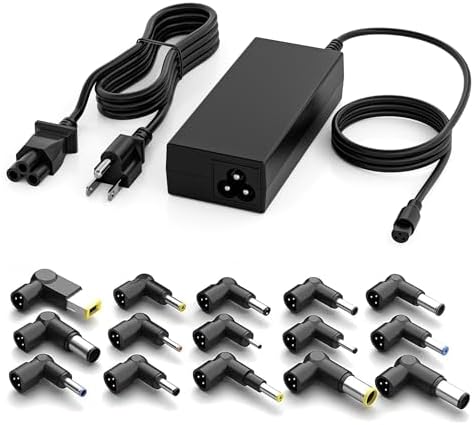
📌 Universal Laptop Charger Adapter
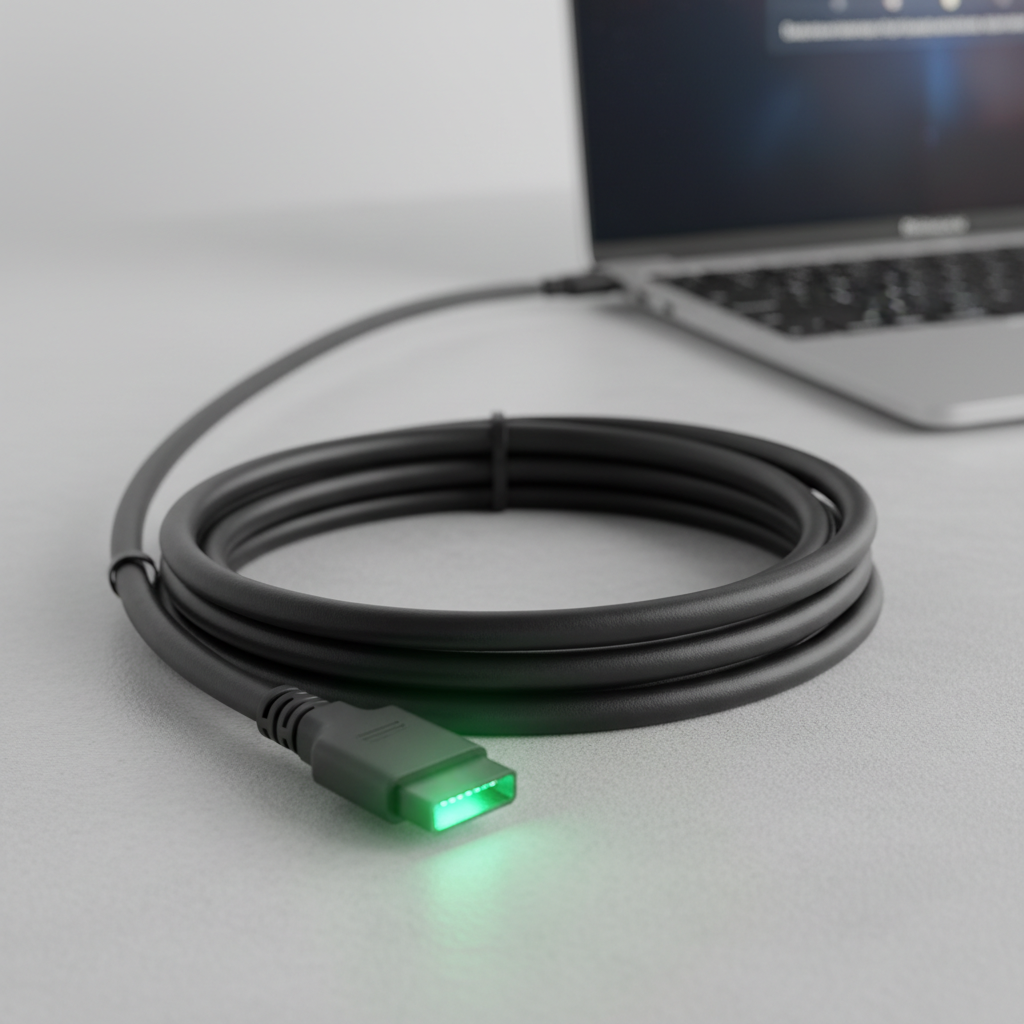
📌 High-Wattage USB-C Laptop Cable
Is your laptop’s power cord looking a bit frayed, sparking concerns, or worse, has it completely given up the ghost? 👻
For tech enthusiasts and troubleshooting aficionados at z-a-d-a.com, a failing laptop power cord isn’t just an inconvenience—it’s a critical threat to productivity and even safety. Replacing a worn-out cord with a heavy-duty alternative is often a smarter, more economical choice than purchasing an entirely new laptop.
In fact, recent data indicates that laptop chargers and their associated cords fail more frequently than the laptops themselves.
An overheated or damaged charger can dramatically increase the risk of fire hazards, making a timely and informed replacement paramount.
Understanding Your Laptop’s Power Needs 💡
Before diving into the vast ocean of replacement options, the first and most crucial step is to understand the precise power requirements of your laptop and its existing AC adapter. Think of this as the DNA of your power connection. 🧬
Every laptop and its power brick come with specific electrical ratings printed on labels. Look for details such as “INPUT” on the power brick itself, which usually specifies a voltage range (e.g., 100-240 V), current (e.g., 1.5 A), and frequency (e.g., 50-60 Hz). For the cord connecting the outlet to the brick, the “INPUT” refers to the wall current.
The “OUTPUT” on your AC adapter is what truly matters for your laptop: the exact voltage (V) and amperage (A) or wattage (W) it delivers to the device.
“Matching voltage is non-negotiable for charger replacement; amperage should be equal to or higher than the original.”
For the cord that connects the wall outlet to your AC adapter, the rules are slightly more flexible. As Reddit users discussed in July 2025, a replacement cord with higher amperage than your original is perfectly safe.
Your charger will only draw the current it needs, regardless of the cord’s maximum capacity.
However, the voltage rating of the replacement cord should generally match or exceed the original, typically around 250V for most standard power cords.
Why Go Heavy-Duty? The Durability Advantage 💪
The term “heavy-duty” isn’t just marketing jargon; it signifies enhanced durability and safety features designed to withstand the rigors of daily use, frequent travel, and even accidental abuse.
Standard power cords can be prone to fraying, especially at connection points or where they are repeatedly bent and coiled. A heavy-duty cord features thicker insulation, more robust strain relief at the connectors, and often uses higher-gauge copper wiring, improving current flow and reducing heat buildup.
Investing in a heavy-duty cord can significantly extend the life of your power setup and, by extension, your laptop.
Studies show that high-quality power cables can reduce internal resistance, leading to more efficient power delivery and less stress on your laptop’s battery management system.
https://www.youtube.com/watch?v=Fj-c7g1HqH4
Key Considerations for Selection 🎯
When selecting your heavy-duty laptop power cord, keep these critical factors in mind:
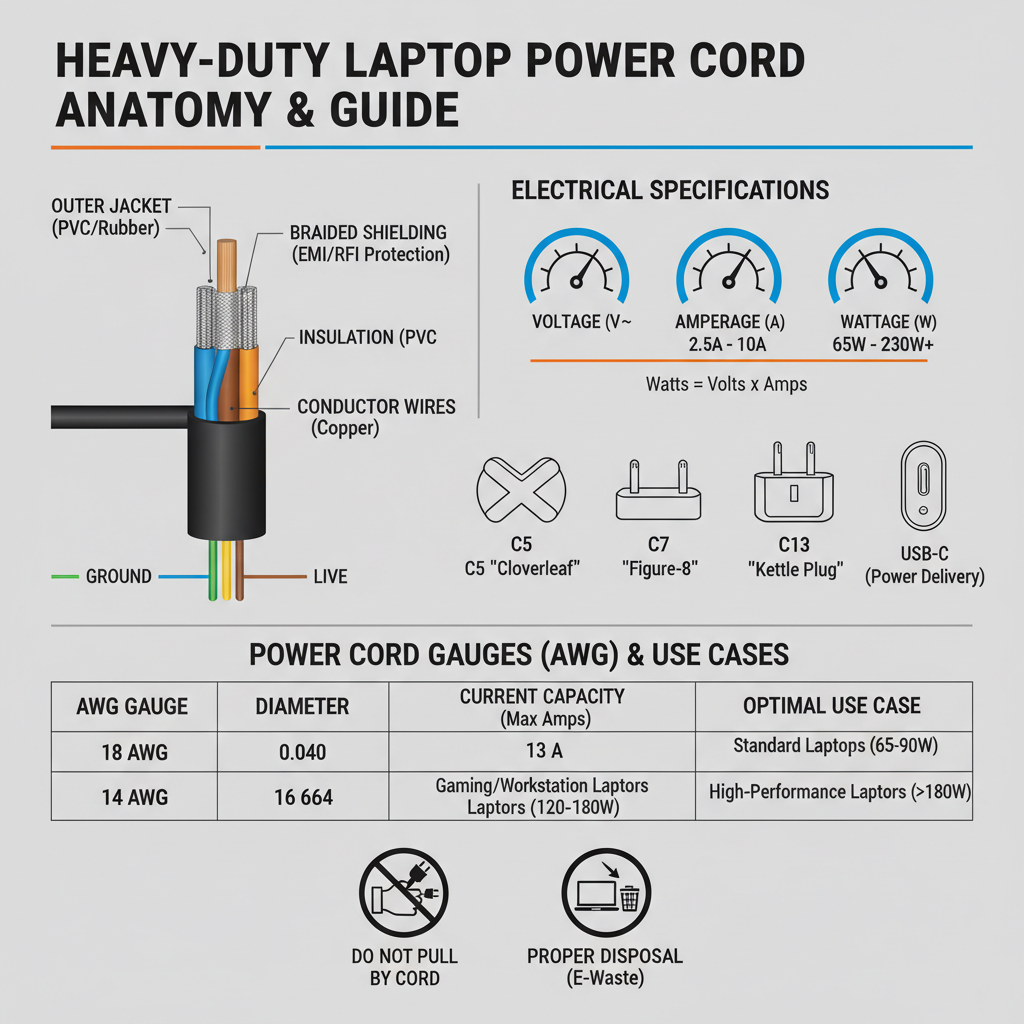
- **Connector Type:** The most common types include the C5 (cloverleaf), C7 (figure-8), and C13 (standard PC tower) connectors that plug into the AC adapter. USB-C is rapidly becoming universal for direct laptop charging. [cite:4_2]
- **Voltage and Amperage Rating:** Always verify these against your original adapter. While higher amperage for the cord is fine, never use a cord with a lower voltage rating.
- **Wire Gauge (AWG):** Lower AWG numbers indicate thicker wires, capable of carrying more current safely. For most laptops, an 18AWG cord is sufficient, but for high-wattage gaming or workstation laptops, a 16AWG or even 14AWG might be preferable for maximum durability and thermal performance.
- **Length:** Consider your typical usage environment. A longer cord offers more flexibility but can also become a tripping hazard or tangle more easily.
- **Certifications:** Look for safety certifications such as UL (Underwriters Laboratories) or CE, ensuring the product meets rigorous safety standards.
Choosing a reputable brand or vendor is highly recommended to guarantee quality and safety, as emphasized in various tech forums.
The Rise of Universal and GaN Chargers 🚀
The landscape of laptop charging is evolving rapidly. The year 2025 saw a significant increase in the adoption of universal laptop chargers and GaN (Gallium Nitride) technology. [cite:2_2, 3_2]
Universal chargers, often with interchangeable tips, offer incredible versatility, especially for those with multiple devices or diverse needs. [cite:1_2]
GaN chargers are revolutionizing the space by offering higher power output in smaller, more efficient packages. They generate less heat and can charge devices much faster than traditional silicon-based chargers. [cite:1_2, 2_2]
https://www.youtube.com/watch?v=zHnC7K9B4g4
Many leading manufacturers now offer slim, compact GaN adapters delivering high wattage (e.g., 100W, 165W, 280W) with robust USB-C connectivity. [cite:3_2]
When to Replace the Entire Adapter vs. Just the Cord 🤔
It’s vital to differentiate between a faulty cord and a failing AC adapter (the brick itself). If the cord is visibly damaged (frayed wires, exposed conductors), or if you have to “wiggle” it constantly to get a connection at the wall-to-brick segment, then replacing just the heavy-duty power cord is often sufficient.
However, if your laptop isn’t charging, the adapter is excessively hot, making buzzing sounds, or the connection is intermittent even with a new cord, the adapter itself might be failing.
Symptoms of a failing DC power jack on the laptop (the port where the adapter plugs in) include needing to wiggle the connector at the laptop end, flickering screens, or no power at all. [cite:5_2]
Repairing a DC power jack often involves specialized soldering and typically costs around $120 for parts and labor in 2025, with a turnaround time of 2-3 business days. [cite:5_2]
“Replacing a charger keeps your computer running better for longer and will also protect your pricey tech.”
Maintenance Tips for Longevity ✨
Once you’ve invested in a heavy-duty replacement, proper care is essential to ensure its maximum lifespan:
- **Avoid Sharp Bends:** Never tightly coil or excessively bend your power cord, especially near the connectors.
- **Proper Storage:** When transporting, loosely coil the cord and secure it with a cable tie or velcro strap.
- **Unplug Correctly:** Always pull from the plug itself, not the cord, when disconnecting from the wall or adapter.
- **Regular Inspection:** Periodically check your cord for any signs of wear, fraying, or unusual heat.
By following these simple guidelines, you can significantly reduce the likelihood of premature cord failure and maintain a safe charging environment.
https://www.youtube.com/watch?v=9LhI11f67fU
The Financial and Environmental Impact 💰🌍
Replacing a laptop charger or just its heavy-duty power cord is undeniably more cost-effective and environmentally friendly than purchasing a new laptop. Prices for quality replacement cords typically range from $10 to $30, while universal adapters can range from $30 to $100 depending on wattage and features. This is a fraction of the cost of a new laptop, which can run into hundreds or thousands of dollars.
| Component | Average Replacement Cost (USD) | Expected Lifespan (Years) |
|---|---|---|
| Heavy-Duty Power Cord | $15 – $35 | 3 – 7 |
| AC Adapter (Charging Brick) | $30 – $100 | 2 – 5 |
| Laptop DC Power Jack Repair | $80 – $150 (labor + parts) | Varies (post-repair) |
| New Laptop | $500 – $2000+ | 3 – 6 |
By opting for repair and replacement, you contribute to reducing electronic waste, a growing global concern. ♻️
The Future is Cord-Conscious 🔮
As we move into 2026, the focus on sustainable and durable tech accessories will only intensify. Innovations in materials science and power delivery will likely bring even more resilient and efficient heavy-duty power cord options to the market.
The push towards universal standards like USB-C Power Delivery (PD) means greater interoperability and fewer proprietary cables, simplifying replacements and reducing clutter for consumers. [cite:1_2]
Choosing a heavy-duty laptop power cord replacement is more than just a repair; it’s an upgrade. It’s a commitment to the longevity of your device, your personal safety, and responsible tech consumption. Don’t underestimate the power of a solid connection! 🔌✨
Stay tuned to z-a-d-a.com for more cutting-edge insights into keeping your tech running smoothly and powerfully!
🔍 Explore More: See all related guides for Heavy-duty laptop power cord replacement on Z-A-D-A.