
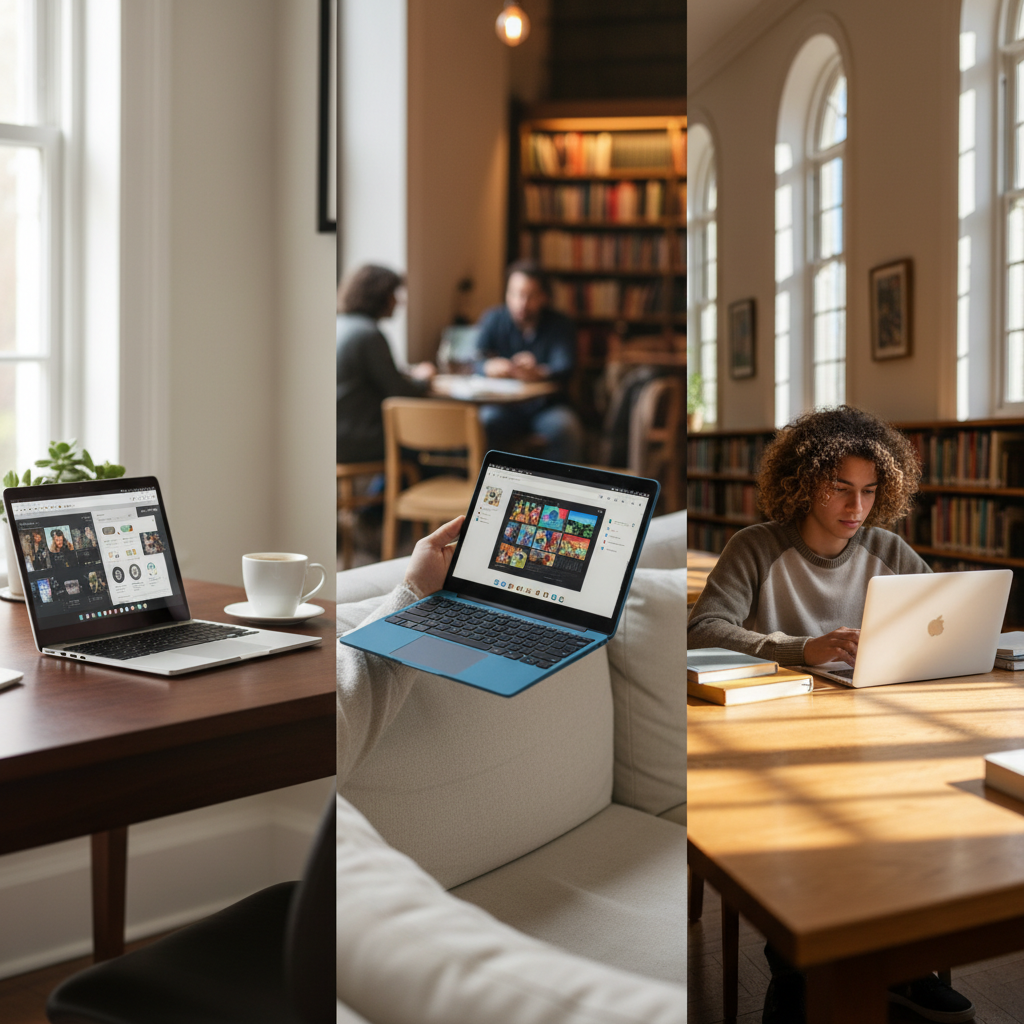






Navigating the Chrome OS Landscape for Everyday Excellence 💻
In today’s fast-paced digital world, a reliable, efficient, and affordable computing device is not just a luxury but a necessity. Enter the Chromebook: a lightweight, cloud-centric laptop designed to simplify your digital life and streamline daily tasks.
But with so many options available on Amazon, how do you pinpoint the “best Chromebook on Amazon for daily tasks” that truly meets your needs? 🤔
This comprehensive guide is crafted to help tech and troubleshooting enthusiasts like you make an informed decision, leveraging the latest data and insights to uncover the perfect daily driver. 🌟
Why Chromebooks Reign Supreme for Daily Use 👑
Chromebooks have evolved far beyond their initial perception as mere web browsers.
Today, they offer a compelling blend of speed, security, and simplicity, making them ideal for a wide array of daily activities.
With lightning-fast boot times, seamless integration with Google Workspace, and access to millions of Android applications, Chromebooks provide a fluid user experience for productivity, entertainment, and staying connected on the go.
Google has even committed to guaranteeing 10 years of security updates for new Chromebooks released since 2024, ensuring long-term value and peace of mind.
“Chromebooks are snappy, easy to use, and inexpensive computers designed for everyday use and Internet-based activities such as browsing, email, text-editing, YouTube, Netflix, light gaming, and the like.”
The Rise of Chromebook Plus: A New Standard of Performance 🚀
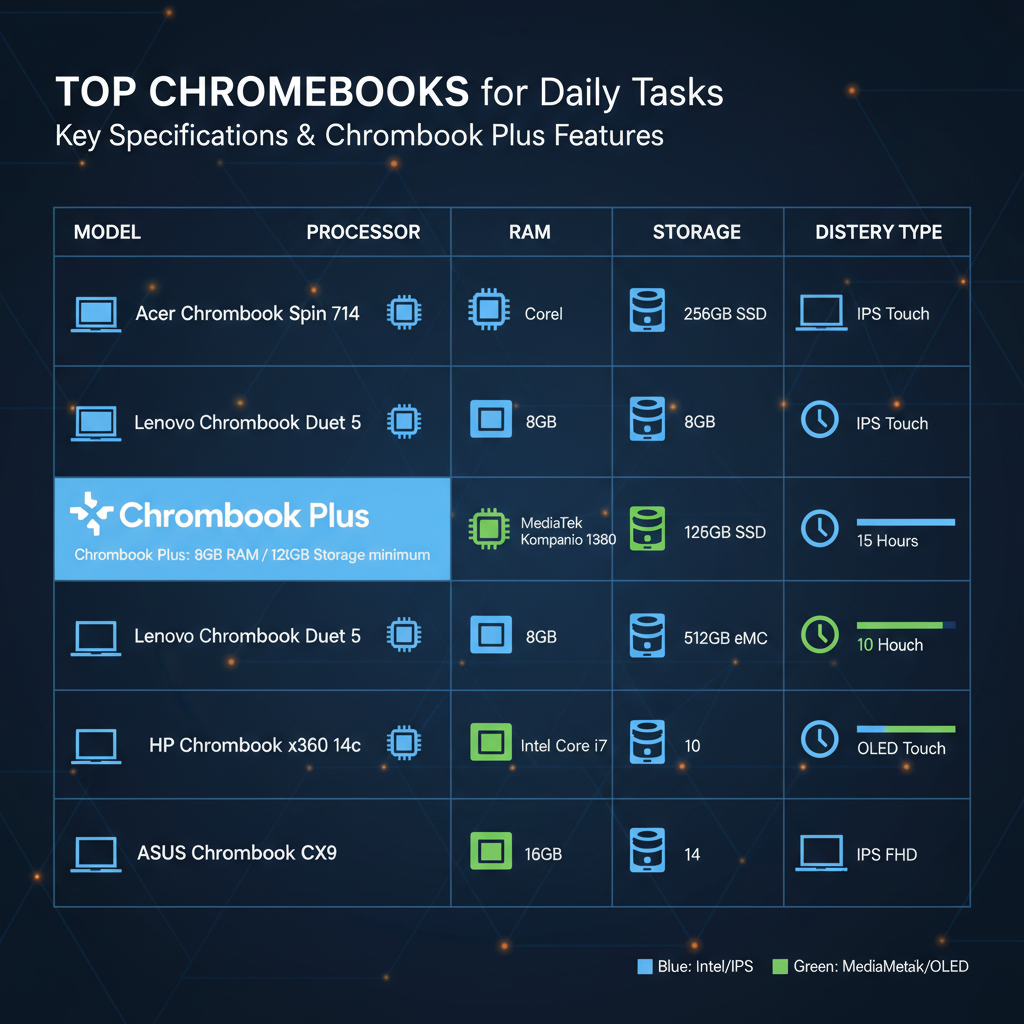
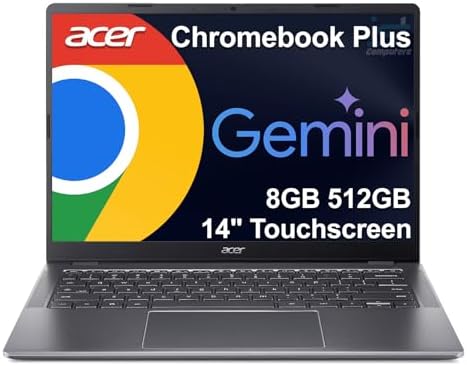
A significant development in the Chromebook ecosystem is the introduction of the “Chromebook Plus” certification.
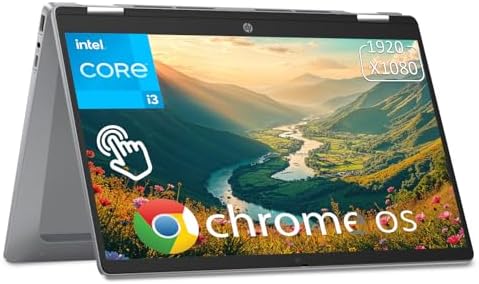
These devices meet a specific set of hardware criteria—at least an Intel Core i3 or AMD Ryzen 3 7000 series CPU, 8GB of RAM, and 128GB of storage—and come with enhanced software capabilities not found on regular Chromebooks.
This includes AI-powered features, faster photo editing with Google Photos Magic Eraser, and improved video calls with noise cancellation and background blur.
This means a Chromebook Plus model offers a more robust and future-proof experience, making it an excellent choice for users demanding more from their daily machine.
Key Features to Prioritize for Optimal Daily Tasks 🛠️
When selecting a Chromebook for daily tasks, several factors play a crucial role in enhancing your user experience. Consider these essential specifications:
- Processor (CPU): For everyday browsing, document editing, and video streaming, an Intel Celeron or MediaTek Kompanio processor is sufficient. However, for snappier multitasking and running more demanding Android apps, an Intel Core i3 (or higher) or a MediaTek Kompanio Ultra chip, often found in Chromebook Plus models, is highly recommended.
- Random Access Memory (RAM): While 4GB RAM can handle basic tasks, 8GB is the sweet spot for smooth multitasking and efficient performance, especially if you juggle multiple browser tabs or use several apps simultaneously. Some premium models even offer 12GB or 16GB for unparalleled fluidity.
- Storage: Chromebooks are cloud-centric, so extensive local storage isn’t always critical. However, 128GB of eMMC or SSD storage provides ample space for essential apps and offline files, offering a balance between performance and cost.
- Display Quality: A Full HD (1920×1080) IPS display ensures crisp visuals and good viewing angles. Touchscreen functionality and 2-in-1 convertible designs significantly enhance versatility for note-taking, drawing, and media consumption. Look for brightness levels of 300 nits or higher for comfortable outdoor use.
- Battery Life: An all-day battery life is paramount for portability. Many top Chromebooks offer 10+ hours on a single charge, keeping you productive throughout your day without constantly searching for an outlet.
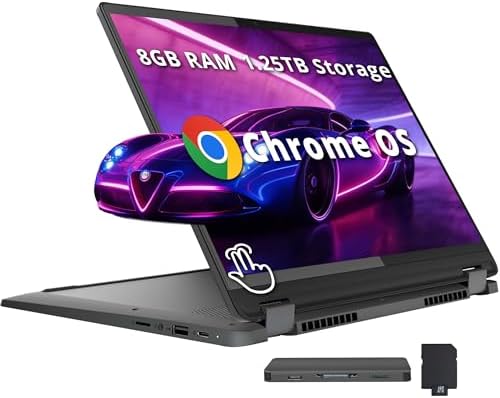
- Form Factor: Traditional clamshell laptops are great for typing, while 2-in-1 convertibles (like the Spin or Flip models) offer tablet versatility. Detachable models provide the best of both worlds, perfect for media consumption or on-the-go productivity.
https://www.youtube.com/watch?v=R9V4QpTz9Lg
Top Chromebooks on Amazon for Daily Tasks (2024-2026 Insights) 🌟
Based on extensive real-time data and expert reviews, here are some of the standout Chromebooks that consistently deliver for daily tasks, available on Amazon:
| Model | Key Highlight | Ideal For | Avg. Price Range |
|---|---|---|---|
| Acer Chromebook Plus Spin 714 | God Tier versatility, Intel Core Ultra, 1440p webcam, excellent battery. | Power users, students, professionals needing a versatile 2-in-1 with AI features. | $700 – $800 |
| Lenovo Flex 5i Chromebook Plus | Solid performance, vibrant 14-inch FHD display, comfortable keyboard, 360° hinge. | Students, remote workers, general users seeking a reliable 2-in-1. | $500 – $600 |
| Asus Chromebook Plus CX34 | Best overall value, Intel Core i5, excellent port selection, smooth performance. | Users who want a do-it-all Chromebook without breaking the bank. | $370 – $450 |
| Acer Chromebook Vero 514 | Eco-friendly design (recycled materials), strong processor for everyday tasks, repairable. | Eco-conscious users, students, or anyone needing solid speed and durability. | $300 – $400 |
| Samsung Galaxy Chromebook Plus | Best 15-inch option, Intel Core i3 100U, 8GB DDR5X RAM, snappy and portable. | Students, workers using online apps, users needing a reliable, larger-screen notebook. | $700 – $750 |
The Acer Chromebook Plus Spin 714 consistently ranks as a top choice, lauded for its robust build and versatile 2-in-1 design.
Its Intel Core Ultra processing and 1440p webcam make it an unbeatable all-rounder for productivity and creative tasks.
“The best Chromebook we’ve tested is the Acer Chromebook Plus Spin 714 (2024). This 2-in-1 convertible feels surprisingly well-built compared to most Chromebooks, and its compact design makes it easy to carry.”
Budget-Friendly Yet Powerful Options 💰
You don’t need to spend a fortune to get a capable Chromebook for daily tasks.
The Asus Chromebook CX15, for example, is highlighted as an excellent budget choice, often available for under $200.
It features a spacious 15.6-inch 1080p display and a roomy keyboard, making it comfortable for extended use, especially for web browsing and media consumption.
For users primarily focused on web-based activities and light productivity, budget Chromebooks offer exceptional value without compromising on the core Chrome OS experience.
https://www.youtube.com/watch?v=kYvV96k9L4Q
Making Your Choice: Beyond the Specs 🎯
Beyond the technical specifications, consider your personal usage habits and preferences:
- Portability vs. Screen Real Estate: Do you need a lightweight, compact device for commuting, or do you prefer a larger screen for multi-window productivity at home?
- 2-in-1 Flexibility: Would you benefit from a convertible design that allows you to switch between laptop and tablet modes for media or presentations?
- Ecosystem Integration: If you’re deeply ingrained in the Google ecosystem (Gmail, Google Drive, Google Photos), a Chromebook offers unparalleled integration.
- Cloud Gaming: For light gaming via services like NVIDIA GeForce NOW, look for models with higher refresh rate displays, like the Acer Chromebook 516 GE, which is designed for cloud gaming.
Remember, the “best” Chromebook is ultimately the one that aligns perfectly with your individual needs and budget. 💸
Maintaining Your Chromebook for Peak Performance ✨
Chromebooks are known for their low maintenance, but a few practices can ensure they continue to perform optimally:
- Regular Updates: Keep your Chrome OS updated. Google frequently releases updates that enhance security, add new features, and improve performance.
- Clear Cache & Cookies: Periodically clear your browser’s cache and cookies to free up space and potentially improve browsing speed.
- Manage Extensions: Uninstall any unnecessary Chrome extensions, as they can consume RAM and slow down your device.
- Cloud Storage: Utilize Google Drive for most of your files to keep local storage free and ensure easy access from anywhere.
- Restart Regularly: A quick restart can often resolve minor performance glitches and refresh your system.
https://www.youtube.com/watch?v=F_S6p2_F7vU
The Future is Bright for Chromebooks 💡
With continuous innovation from Google and manufacturers, Chromebooks are set to become even more powerful and versatile. The focus on AI features, improved hardware, and extended software support solidifies their position as a smart choice for daily computing.
Whether you’re a student, a professional, or someone seeking a simple yet robust device for everyday tasks, a Chromebook from Amazon offers an exceptional blend of value, performance, and user-friendliness. 🌟
Embrace the efficiency and simplicity that a modern Chromebook brings to your daily digital life!
“Chromebooks aren’t powerful computers that can handle demanding workloads like video editing or 3D rendering, they’re more than adequate for those who can access their work or class material online through a web browser.”
External Resources 🔗
- Tom’s Guide: Best Chromebooks
- PCMag: The Best Chromebooks We’ve Tested
- RTINGS.com: The 5 Best Chromebooks
- PCWorld: Best Chromebooks
- Google Chromebook Help
🔍 Explore More: See all related guides for Best Chromebook on Amazon for daily tasks on Z-A-D-A.