
The world of computing peripherals is one of precision and reliability, yet even the most robust hardware can fall victim to the elusive and frustrating phenomenon of intermittent failure.
Unlike hard failures, which are easily diagnosed and replicated, intermittent issues—often referred to as “ghosts in the machine”—are sporadic, unpredictable, and highly dependent on transient conditions.
Diagnosing these subtle symptoms requires moving beyond standard software diagnostics and employing advanced, often hardware-centric, troubleshooting methodologies.
This article delves into the advanced techniques and specialized tools necessary to identify and resolve these complex peripheral performance bottlenecks.
The Nature of Intermittent Failures
Intermittent peripheral failures manifest in various ways: a gaming mouse that briefly stutters, a high-speed external drive that randomly disconnects, a monitor that flickers under load, or a printer that occasionally drops a print job.
The common thread is their non-reproducibility, which is the primary challenge for technicians.
The root causes of these issues are typically not software bugs or simple driver conflicts, but rather subtle physical or electrical instabilities.
Understanding these underlying causes is the first step toward effective diagnosis.
Common Advanced Root Causes
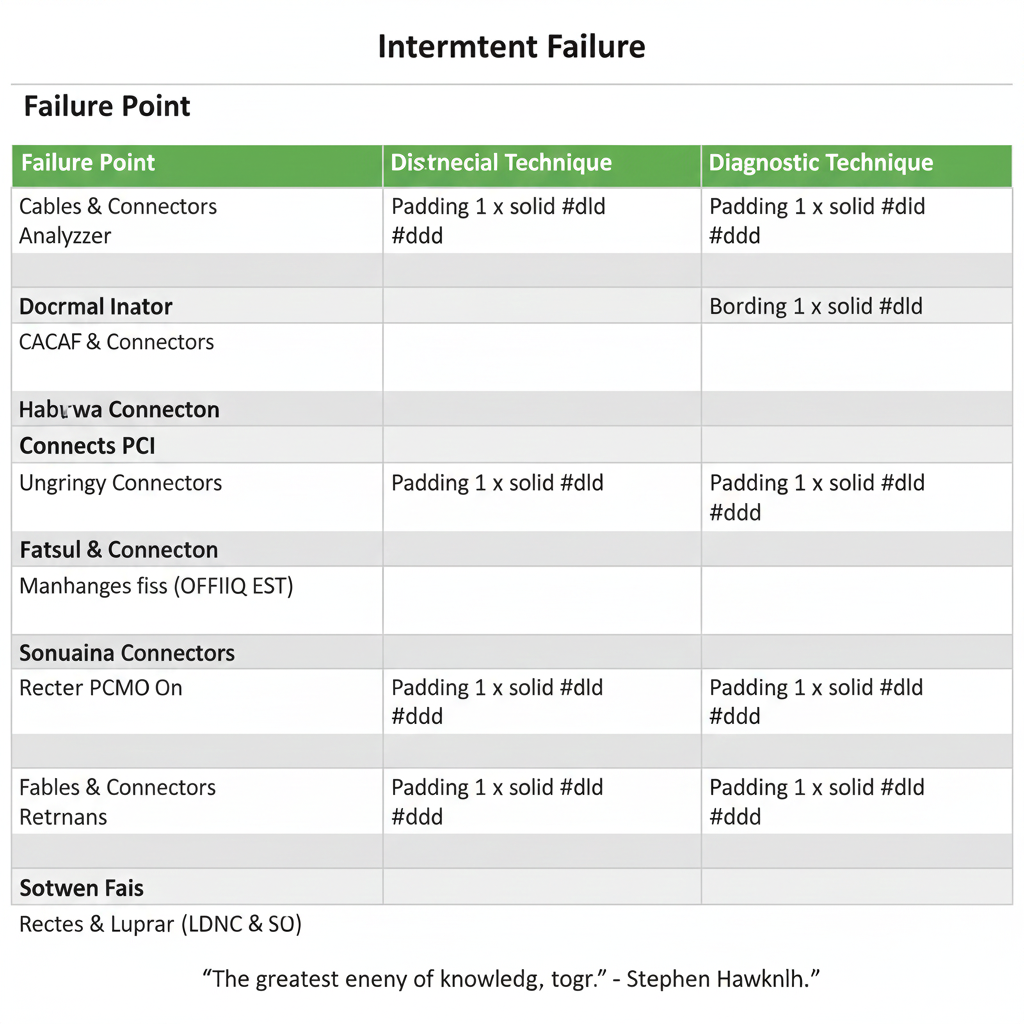
| Category | Description | Peripheral Manifestation |
|---|---|---|
| Electrical Noise | Signal integrity issues caused by electromagnetic interference (EMI), radio frequency interference (RFI), or crosstalk between adjacent traces/wires. | Random data corruption, communication timeouts, unexpected device resets. |
| Thermal Variation | Component failure or performance degradation due to temperature fluctuations, often caused by poor thermal management or localized hotspots. | Device failure only after extended use (overheating) or in cold environments (cold solder joints). |
| Power Supply Instability | Voltage droops, spikes, or excessive ripple/noise on the power rail delivered to the peripheral, often under peak load conditions. | Intermittent disconnections, erratic behavior, or failure to initialize correctly. |
| Marginal Timing | Violations of setup and hold times in high-speed digital communication protocols (e.g., USB 3.x, Thunderbolt), often due to cable length or component aging. | Sporadic data transfer errors, link training failures, or reduced throughput. |
| Mechanical Stress | Subtle breaks in solder joints, cracked PCBs, or damaged connectors that only make or break contact under physical stress (e.g., vibration, flexing, or movement). | Device failure when the cable is moved or the host system is bumped. |
Phase 1: Advanced Symptom Collection and Environmental Replication
Before reaching for specialized hardware, a meticulous, advanced approach to symptom collection is paramount.
Leveraging System Logs and Reliability History
Standard Event Viewer logs (Windows) or dmesg/syslog (Linux/macOS) are essential, but the Windows Reliability Monitor provides a more consolidated, historical view of system stability, often pinpointing the exact time a hardware error occurred.
Look for Hardware Errors (WHEA) or LiveKernelEvents that correlate with the peripheral’s failure time.
Environmental Stress Testing
- Thermal Cycling: Use a controlled heat source (e.g., a heat gun on a low setting, applied carefully to the peripheral’s controller chip) or a cold spray to rapidly change the temperature of the suspect component.
- Mechanical Stress: Gently flex the peripheral’s PCB, apply slight pressure to connectors, or carefully wiggle the cable near the strain relief.
- Load Testing: Use a synthetic load generator (e.g., a benchmark tool or a custom script) to maximize data transfer or power draw through the peripheral’s interface.
https://youtu.be/rJTHp98Ej6I
Phase 2: Hardware-Level Diagnostics with Specialized Tools
The Digital Oscilloscope (DSO)
A high-bandwidth DSO (ideally 500 MHz or higher) is indispensable for analyzing power and signal integrity.
Power Rail Analysis: Use the DSO to measure voltage ripple and noise on the peripheral’s power lines (e.g., the 5V VBUS on USB).
Transient Capture: Use the oscilloscope’s single-shot acquisition or peak-detect mode with a carefully set trigger level.
Excessive ripple (e.g., >50mV peak-to-peak) can cause controller brownouts or resets.
The Logic Analyzer (LA)
For intermittent communication failures, a Logic Analyzer is superior to an oscilloscope for observing digital protocol timing over many channels simultaneously.
Protocol Decoding: Modern LAs can decode complex protocols like USB, SPI, I²C, and UART.
Glitch Detection: The LA’s ability to capture very narrow pulses (glitches) that violate setup and hold times is crucial.
https://youtu.be/8sVojJLXwhI
The Protocol Analyzer (PA)
For high-speed, complex protocols like USB 3.x/4.0, Thunderbolt, and PCIe, a dedicated Protocol Analyzer is the only way to diagnose issues at the link and transaction layers.
Link Training Analysis: The PA can monitor the entire Link Training and Status State Machine (LTSSM) process in PCIe or the equivalent link negotiation in USB.
Error Injection and Stress: Advanced PAs can act as exercisers, injecting errors or forcing specific link states to test the peripheral’s robustness and confirm the failure mode.
https://youtu.be/7Rge9jv-T4E
Phase 3: Advanced Isolation and Resolution Techniques
Signal Integrity Mitigation
- Cable and Hub Swap: Systematically test with certified, high-quality, and shorter cables. For USB, ensure the cable is rated for the required speed (e.g., USB 3.2 Gen 2×2) and that any hub used is active (powered) and compliant.
- Grounding and Shielding: In custom or high-performance setups, ensure the host system’s chassis is properly grounded. For internal peripherals (e.g., PCIe cards), verify the seating and check for any potential contact with other components that could introduce noise.
Power Delivery Optimization
- Dedicated Power Source: For external peripherals, switch from bus power to a dedicated, high-quality external power supply. If the issue resolves, the host system’s power delivery is inadequate.
- BIOS/UEFI Power Management: Disable aggressive power-saving features like USB Selective Suspend or PCIe Link State Power Management (ASPM) in the operating system and the system’s BIOS/UEFI.
- Capacitor Check: For internal components, visually inspect for bulging or leaking capacitors. Advanced diagnosis may use an ESR meter to check equivalent series resistance.
Firmware and Driver Deep Dive
- Firmware Updates: Check the peripheral manufacturer’s website for controller firmware updates, not just driver updates.
- Driver Rollback/Clean Install: Use a tool like Display Driver Uninstaller (DDU), adapted for peripheral drivers, to completely remove old drivers before reinstalling the latest version.
These techniques help uncover even the most elusive hardware faults.
Conclusion
Troubleshooting intermittent peripheral failures is a test of patience and technical skill.
It demands a shift from the software-centric approach of basic diagnostics to a hardware-level investigation utilizing tools like the Oscilloscope, Logic Analyzer, and Protocol Analyzer.
By systematically replicating the failure under controlled environmental and load conditions, and then meticulously analyzing the electrical and protocol layers, technicians can transform an elusive “ghost” into a clearly defined, resolvable hardware flaw.
This advanced methodology is the key to achieving true peripheral stability and peak performance.
References
Debugging Intermittent Hardware Issues (Runtime Rec)