
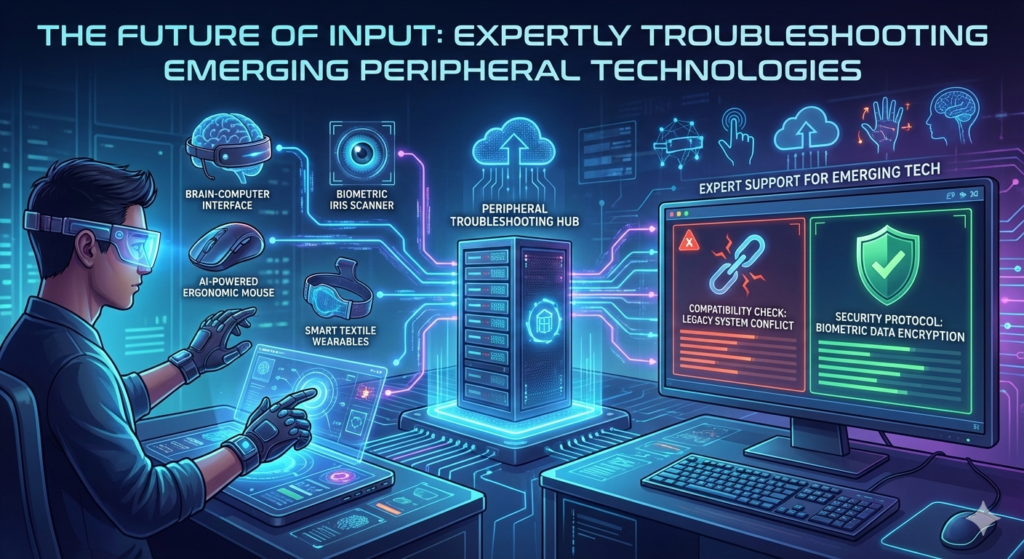
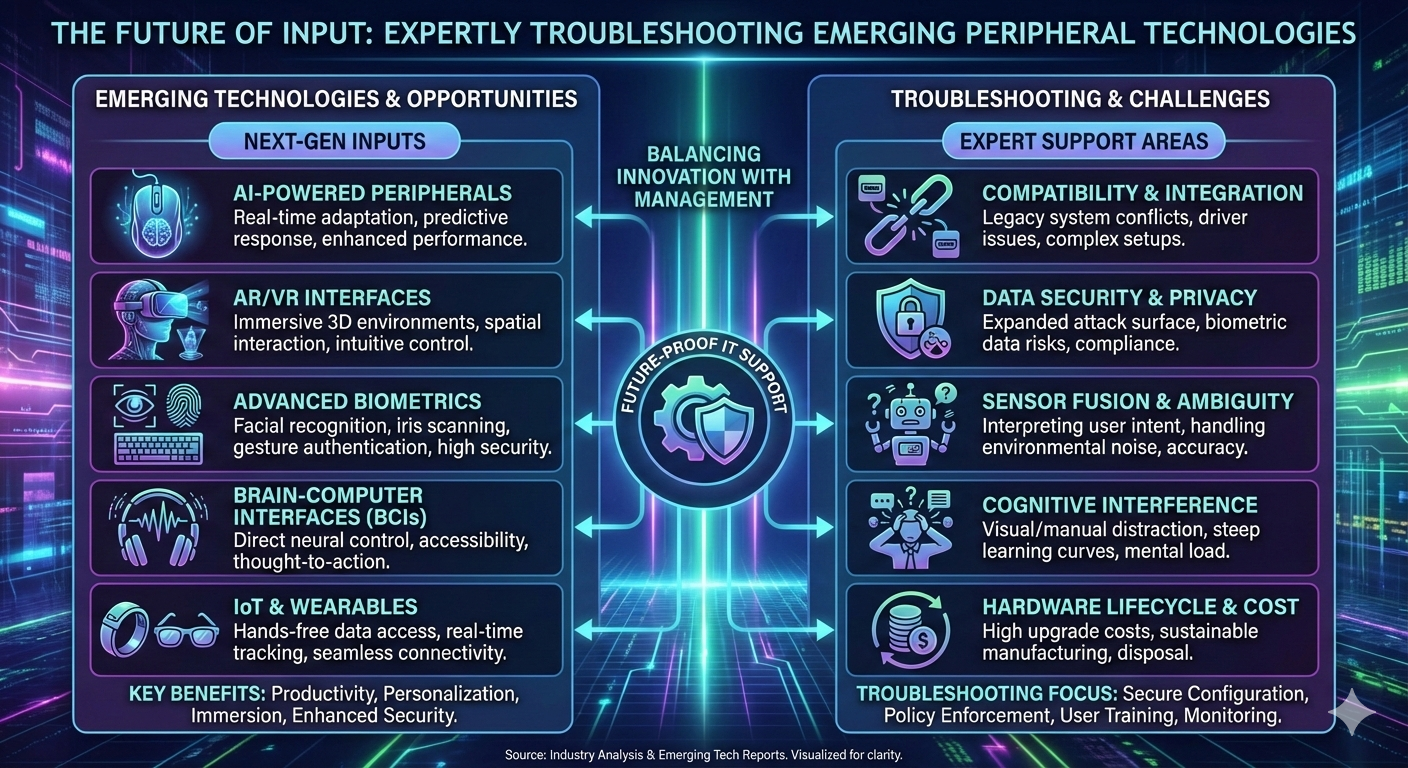
The Future of Input: Expertly Troubleshooting Emerging Peripheral Technologies
The landscape of human-computer interaction is rapidly evolving, moving beyond the traditional mouse and keyboard to embrace immersive, intuitive, and even cognitive interfaces.
Emerging peripheral technologies—such as high-fidelity haptic feedback systems, low-latency Brain-Computer Interfaces (BCI), and advanced biometric scanners—present a new frontier for performance troubleshooting.
These devices operate at the intersection of neuroscience, advanced physics, and real-time computing, demanding a specialized, forward-looking diagnostic approach.
This article provides an expert guide to the advanced troubleshooting methodologies for the next generation of peripheral technologies.
Phase 1: Haptic Feedback Systems – The Latency Barrier
Haptic feedback systems (e.g., advanced controllers, haptic gloves, and vests) are designed to provide a sense of touch, force, and texture.
The primary performance bottleneck for these systems is latency.
1. Haptic Latency and the Perception of Reality
For haptic feedback to feel real, the delay between the user’s action (e.g., touching a virtual object) and the resulting sensation must be extremely low.
- Symptom: A noticeable disconnect between visual and tactile feedback, often described as a “mushy” or “delayed” sensation.
- Root Cause: Haptic latency is cumulative, stemming from three main sources:
- Sensing Delay: Time taken for the sensor (e.g., in a glove) to register the touch.
- Processing Delay: Time taken for the host PC/game engine to calculate the force/texture profile.
- Actuation Delay: Time taken for the haptic actuator (e.g., a voice coil motor or eccentric rotating mass) to reach the required force level.
Advanced Diagnosis:
- High-Speed Camera Analysis: Use a high-frame-rate camera (e.g., 1000 FPS) to measure the time difference between the visual event (e.g., a virtual gun firing) and the physical movement of the haptic actuator. The target latency for realistic haptics is often cited as sub-10 milliseconds [5].
- System Profiling: Use a system profiler to isolate the Processing Delay. High DPC latency on the host PC can delay the command to the haptic device, causing the visual-tactile mismatch.
2. Haptic-Induced Tracking Instability
- Symptom: Tracking glitches or positional drift in a VR controller or haptic glove when the haptic motor is actively vibrating.
- Root Cause: The vibration from the haptic motor is physically interfering with the device’s internal tracking sensors (e.g., accelerometers or gyroscopes).
- Resolution:
- Firmware Filtering: The device’s firmware must implement advanced vibration-canceling algorithms to filter out the self-induced noise. Ensure the device is running the latest firmware.
- Actuator Placement: If the issue is hardware-related, the only solution is to reduce the intensity of the haptic effect or ensure the tracking sensors are physically isolated from the actuators.
Phase 2: Brain-Computer Interfaces (BCI) – Signal Integrity and Noise
BCI peripherals, which read electrical activity from the brain (EEG) or other neural signals, are the ultimate low-bandwidth, high-noise input devices.
1. Low Signal-to-Noise Ratio (SNR)
The brain’s electrical signals are extremely weak (microvolts) and easily overwhelmed by noise.
- Symptom: Inconsistent command recognition, high error rates, or inability to calibrate the BCI.
- Root Cause:
- Electrode Impedance: Poor contact between the electrodes and the scalp.
- Environmental Noise: Interference from power lines (60 Hz/50 Hz hum), nearby electronics, or muscle movement (EMG artifacts).
Advanced Diagnosis:
- Impedance Check: Modern BCI devices include software to measure the impedance (resistance) at each electrode site. High impedance (>50 kΩ) indicates poor contact. Troubleshooting involves applying more conductive gel or adjusting the headset fit.
- Spectral Analysis: Use the BCI’s raw data viewer to perform a Fast Fourier Transform (FFT) on the signal. A large, sharp peak at 50 Hz or 60 Hz indicates power line interference.
2. Real-Time Processing and Classification Latency
- Symptom: A noticeable delay between the user’s cognitive intent and the execution of the command.
- Root Cause: The machine learning model (classifier) is too complex or the host PC’s CPU/GPU is struggling to process the raw EEG data stream in real-time.
- Resolution:
- Model Optimization: Use a simpler, more efficient classifier (e.g., Linear Discriminant Analysis over a Deep Neural Network) for low-latency applications.
- Hardware Acceleration: Ensure the BCI’s signal processing pipeline is offloaded to a dedicated GPU or NPU to minimize CPU load and DPC latency.
Phase 3: Advanced Biometric Peripherals – Data Integrity and Spoofing
Advanced biometric peripherals (e.g., high-resolution fingerprint scanners, iris scanners, vein scanners) are used for secure authentication.
Troubleshooting focuses on data quality and security.
1. Biometric Data Integrity and Enrollment Failures
- Symptom: The device consistently fails to enroll a user or frequently rejects an enrolled user (False Rejection Rate, FRR).
- Root Cause: Poor quality of the initial biometric template due to environmental factors or sensor issues.
- Advanced Diagnosis:
- Image Quality Assessment (IQA): The device’s SDK should provide a metric for the quality of the captured biometric image (e.g., NFIQ score for fingerprints). A low IQA score indicates a sensor problem (e.g., smudges, poor focus) or a physical issue (e.g., dry skin).
- Template Drift: Biometric templates can “drift” over time (e.g., due to injury or aging). Advanced systems require periodic re-enrollment or template update mechanisms.
2. Liveness Detection and Anti-Spoofing Failures
- Symptom: The device is easily fooled by a fake biometric sample.
- Root Cause: The anti-spoofing algorithm is miscalibrated or outdated.
- Troubleshooting:
- Firmware Update: Anti-spoofing is a constant arms race. Ensure the device’s firmware is the latest version, as manufacturers frequently update the liveness detection algorithms to counter new spoofing techniques.
- Environmental Calibration: Some liveness detection methods rely on environmental factors (e.g., skin temperature, pulse oximetry). Ensure the device is operating within its specified temperature and humidity range.
Conclusion
Troubleshooting emerging peripheral technologies is a challenging but essential discipline.
It requires a deep dive into the physics of haptics, the neuroscience of BCIs, and the security of biometrics.
By focusing on the critical metrics—sub-10ms haptic latency, high BCI signal-to-noise ratio, and robust biometric data integrity—technicians can expertly diagnose and resolve the complex, multi-disciplinary bottlenecks of the future of input.
Mastery of these advanced techniques ensures that these cutting-edge peripherals can deliver on their promise of seamless, intuitive, and secure human-computer interaction.
References
[1] Patsnap. Haptic Feedback Latency: Why <1ms Delay is Required for Realism.
[2] Springer Open. Brain–computer interface: trend, challenges, and threats.
[3] Penn Today. Challenges and advances in brain-computer interfaces.
[4] Aratek. Decoding Biometric Hardware Integration Challenges.
[5] Facebook Reality Labs. Measuring the perception of latency with a haptic glove.