
🎵
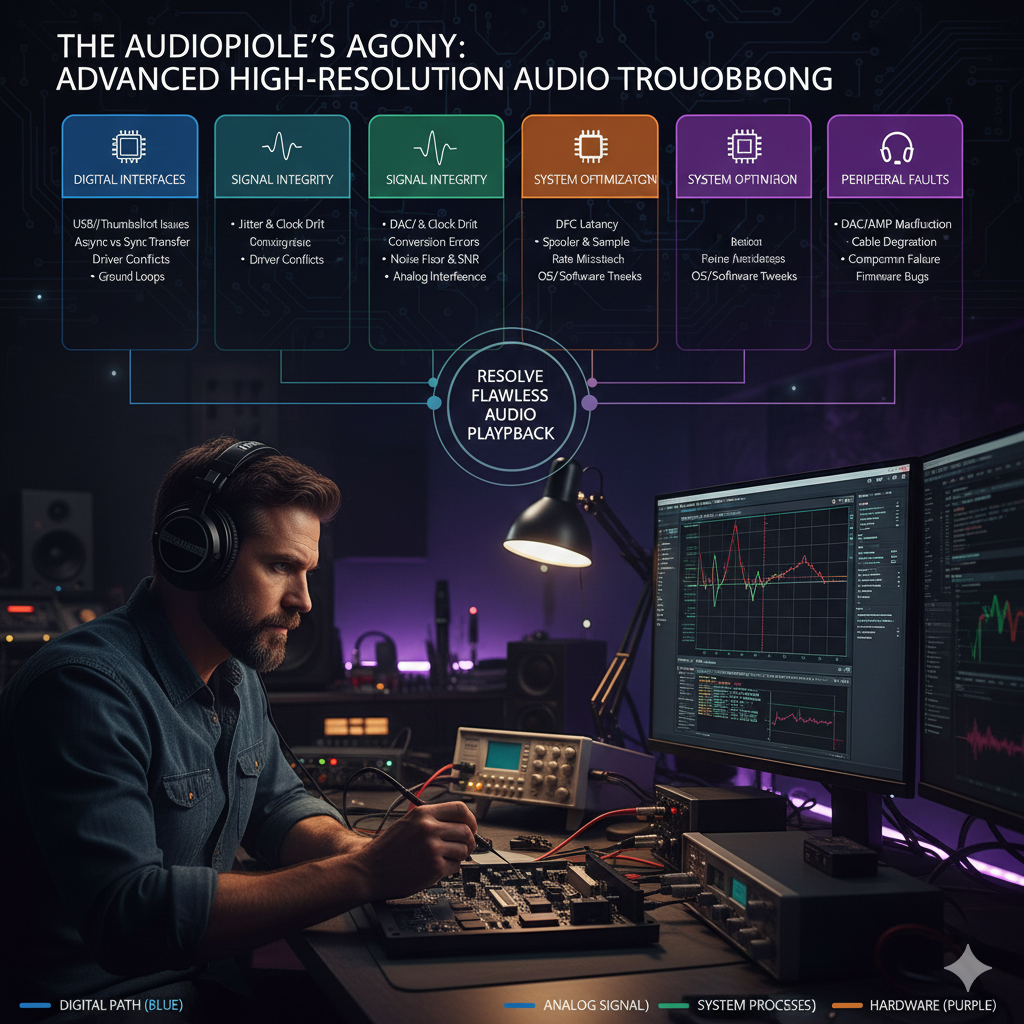
For the audiophile and the professional audio engineer, the pursuit of pristine sound quality is a constant battle against digital artifacts. High-resolution audio peripherals—Digital-to-Analog Converters (DACs), Analog-to-Digital Converters (ADCs), and audio interfaces—are highly sensitive to timing and processing errors in the host computer.
The “agony” often lies in diagnosing subtle issues like jitter, clock drift, and stuttering caused by the host system’s inefficiency, specifically high DPC latency.
This article provides an advanced, technical guide to diagnosing and resolving the most critical performance bottlenecks in high-resolution audio systems. 🎚️🔊
Phase 1: The Jitter and Clock Drift Crisis 🥁
In digital audio, the timing of the data stream is as critical as the data itself.
Any deviation in the timing of the clock signal is called jitter, and any long-term deviation is clock drift.
Both degrade sound quality by introducing noise and distortion.
Understanding USB Audio Synchronization Modes 💻
| Mode | Clock Source | Jitter Susceptibility | Quality |
|---|---|---|---|
| Synchronous | Host PC (Master) | Very High | Low (Not used in high-end DACs) |
| Adaptive | DAC/ADC (Slave) adjusts to Host | High | Medium (Better than Synchronous) |
| Asynchronous | DAC/ADC (Master) controls data flow | Very Low | High (Standard for high-res audio) |
- 🎧 Asynchronous USB Audio: This is the gold standard for high-resolution audio. The DAC/ADC uses its own, highly stable internal clock (often a high-precision crystal oscillator) to regulate the data transfer rate. The host PC merely sends data into a buffer, and the DAC pulls it out at its own pace. This effectively isolates the DAC from the host PC’s noisy clock, minimizing jitter 🎶 YouTube Example [3].
- Troubleshooting: If an audio peripheral is stuttering, first verify that it is operating in Asynchronous mode. Confirm in the device’s control panel or manufacturer specs. Forced Adaptive or Synchronous mode can lead to timing errors.
Diagnosing Clock Drift (Word Clock Issues) 🔧
In professional multi-device setups (e.g., an ADC and a DAC connected to a mixer), all devices must be synchronized to a single Word Clock signal.
- Symptom: Audible clicks, pops, or dropouts periodically, often after minutes of operation. ⚡
- Diagnosis: Indicates clock drift—the clocks of the devices slowly moving out of sync.
- Resolution:
- External Master Clock: Designate one device (or external clock generator) as Master Clock, connecting Word Clock Out to Word Clock In of all other devices (Slaves).
-
- Sample Rate Lock: Ensure all devices share the same sample rate (e.g., 96 kHz) and slaves explicitly sync to the external clock source.
Phase 2: The DPC Latency Bottleneck ⚡
High DPC (Deferred Procedure Call) latency is the most common cause of audio stuttering and dropouts on Windows. Delayed DPC execution prevents audio drivers from refilling buffers, causing pops/clicks.
Advanced DPC Latency Measurement 🖥️
- Tool: LatencyMon is the definitive tool for DPC latency analysis 💻 LatencyMon Official.
- Diagnosis: Run LatencyMon during audio issues; identifies maximum DPC execution time (µs) and culprit driver (.sys).
- Threshold: DPC latency should remain below 200 µs. >1000 µs often causes audible dropouts.
- Common Culprits: Network card drivers (ndis.sys), storage controller drivers (RAID), and graphics drivers.
DPC Latency Resolution Strategy 🛠️
- Systematic Driver Isolation:
- Update/Rollback: Update or roll back the offending driver.
- Disable Aggressive Power Management: Disable C-States, EIST, and CPU throttling in BIOS/UEFI.
-
- Disable Hardware: Temporarily disable related hardware (Wi-Fi, secondary SATA controller). If latency drops, confirmed root cause.
- BIOS/Chipset Update: Update motherboard chipset drivers and BIOS.
Phase 3: Advanced USB and Data Stream Integrity 🔌
USB Power Delivery and Noise ⚡
- Symptom: Increased hiss or background noise under load.
- Diagnosis: Use a USB Power Meter to check 5V VBUS stability 🎧 USB Guide.
- Resolution:
- USB Isolator: Breaks 5V power line while passing data, removing ground loops.
- External Power: DAC/ADC with linear power supply provides cleaner operation. 🟢
Buffer Size and ASIO Driver Tuning 🎚️
Audio interfaces use a buffer to store data, cushioning against timing errors.
- ASIO (Audio Stream Input/Output): Low-latency driver bypassing Windows audio stack.
- Buffer tuning trade-offs
- :
- Small Buffer (64 samples): Lowest latency, high risk of pops if DPC latency high.
- Large Buffer (512 samples): Maximum stability, higher latency.
- Advanced Tuning: Find smallest stable buffer under load. Resolve DPC latency first. 🔥
Phase 4: Software and OS Optimization 🖱️
- Exclusive Mode: Set audio app in Exclusive Mode to prevent interference.
- Sample Rate Consistency: Match Windows default format to app project rate.
Conclusion 🏆
The audiophile’s agony is often a technical problem disguised as a sonic one. By understanding Asynchronous USB, mastering DPC latency analysis with LatencyMon, and using galvanic isolation, technicians can systematically eliminate jitter and timing errors. 🎶
This meticulous approach ensures precise decoding for pristine high-resolution audio reproduction. 🥇🔊
References 📚
[1] Sweetwater. Solving DPC Latency Issues. 🎛 Sweetwater
[2] Focusrite. Troubleshooting DPC latency. 🔗 Focusrite
[3] HiFi-Advice. USB Audio – Synchronous / Asynchronous. 🎧 HiFi-Advice
[4] Audio Science Review. Understanding Jitter in Digital Audio. 🎚 ASR Forum
[5] Lavry Engineering. Clock Jitter and Clock Accuracy for Digital Audio. 🎼 Lavry Engineering