
🤓
Email is one of the oldest and most critical applications on the internet, yet the underlying protocols that make it work are often misunderstood.
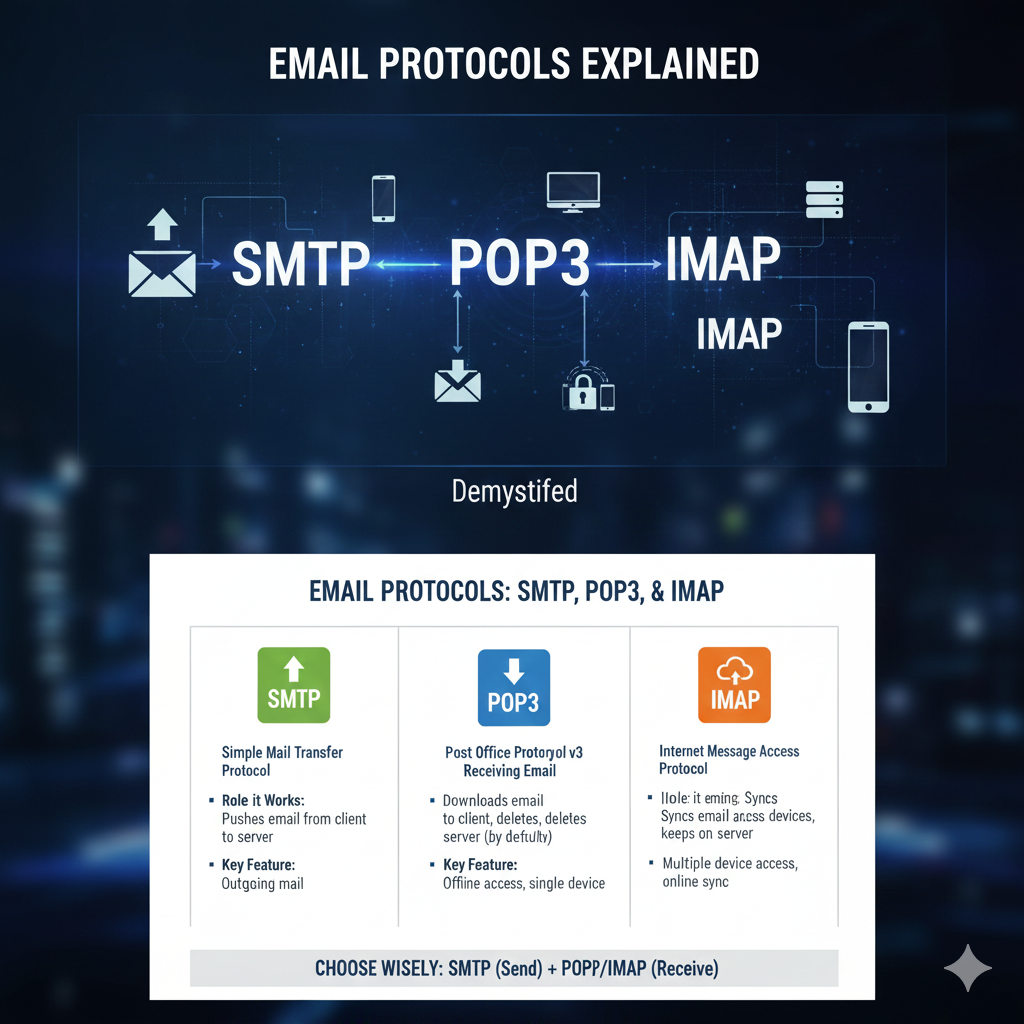
When you send or receive an email, you are relying on a trio of specialized protocols, each with a distinct role: SMTP for sending, and POP3 or IMAP for receiving.
Understanding the differences between these three is essential for anyone configuring an email client, managing a mail server, or simply troubleshooting why an email failed to send or download [1].
The Sender: Simple Mail Transfer Protocol (SMTP)
SMTP is the universal language for sending email.
It is a push protocol used to send mail from a mail client to a mail server, or from one mail server to another.
Key Characteristics of SMTP
Role
Sending/Relaying email.
Port
Typically uses port 25 (unencrypted), 465 (SMTPS/secure), or 587 (submission).
Process
When you click “Send,” your email client connects to your outgoing mail server using SMTP.
That server then uses SMTP to relay the message across the internet until it reaches the recipient’s mail server.
Authentication
Modern SMTP requires authentication (SMTP AUTH) to prevent spam and ensure that only authorized users can send mail through the server.
SMTP is the digital postman, responsible for the reliable transfer of your message from your outbox to the recipient’s mail server.
https://www.youtube.com/watch?v=0h59gY0t4sI
The Receivers: POP3 vs. IMAP
While SMTP handles the outgoing mail, two protocols dominate the process of retrieving mail from the server: POP3 and IMAP.
Their fundamental difference lies in how they handle the storage and synchronization of your messages.
1. Post Office Protocol version 3 (POP3)
POP3 is designed for a single-device, “download and delete” model, much like a traditional post office box.
Storage Model
By default, POP3 downloads the email from the server to your local device and then deletes the original copy from the server.
Synchronization
None.
Changes made on one device (e.g., marking an email as read) are not reflected on the server or any other device.
Use Case
Best for users who only check email on a single device and have limited server storage space [3].
https://www.youtube.com/watch?v=v5g9t31343E
2. Internet Message Access Protocol (IMAP)
IMAP is the modern standard, designed for a multi-device, synchronized experience.
Storage Model
IMAP keeps all emails on the mail server.
The email client downloads a copy for viewing but the master copy remains on the server.
Synchronization
Full synchronization.
All actions (reading, deleting, moving to a folder) are synchronized across all devices and the server in real-time.
Use Case
Ideal for users who check email on multiple devices (phone, laptop, tablet) and need a consistent view of their inbox everywhere.
IMAP is the clear choice for modern users, offering flexibility and multi-device access, while POP3 is more suitable for single-device, archival purposes.
https://www.youtube.com/watch?v=3Qh8j0v0_t0
Key Differences: A Side-by-Side Comparison
The choice between POP3 and IMAP is a critical configuration decision that impacts the user experience and data management.
| Feature | SMTP | POP3 | IMAP |
|---|---|---|---|
| Role | Sending/Relaying Mail | Receiving Mail | Receiving Mail |
| Storage Location | N/A (Protocol for transfer) | Local Device (Downloads and deletes from server by default) | Mail Server (Keeps master copy on server) |
| Multi-Device Access | N/A | Poor (Messages may only exist on one device) | Excellent (Full synchronization across all devices) |
| Synchronization | N/A | None | Full (Read/unread status, folders, etc.) |
| Server Space | N/A | Reduces server space usage | Requires more server space |
| Port (Secure) | 465 or 587 | 995 (POP3S) | 993 (IMAPS) |
The Email Flow: Putting the Protocols Together
The journey of an email involves all three protocols working in concert:
- Sending: Your email client uses SMTP to push the message to your outgoing mail server.
- Relaying: Your server uses SMTP to transfer the message to the recipient’s mail server.
- Receiving: The recipient’s email client uses either POP3 or IMAP to retrieve the message from their incoming mail server [2].
Conclusion
The trio of SMTP, POP3, and IMAP are the foundational pillars of electronic mail.
SMTP is the dedicated protocol for pushing mail across the internet.
The choice between POP3 and IMAP, however, defines your email experience.
For nearly all modern users, IMAP is the superior choice, providing the necessary synchronization and multi-device access required in a mobile world.
POP3 remains a niche option for specific archival or single-device needs.
Understanding these protocols is the key to mastering your email configuration and ensuring your messages are sent and received exactly as intended [4].
https://www.youtube.com/watch?v=7hK94y1qf7I
References
[1] IMAP vs POP3 vs SMTP: What is the Difference – GeeksforGeeks
[2] IMAP vs POP3 vs SMTP – The Ultimate Comparison – Courier
[3] SME Pop Protocol vs. IMAP vs. SMTP: How They Differ – Indeed
[4] Email Protocols Explained: IMAP vs POP3 vs SMTP [2025] – Mailtrap
YouTube Videos
https://www.youtube.com/watch?v=0h59gY0t4sI
https://www.youtube.com/watch?v=v5g9t31343E
https://www.youtube.com/watch?v=3Qh8j0v0_t0
https://www.youtube.com/watch?v=7hK94y1qf7I
https://www.youtube.com/watch?v=k9h9g-69w0k