










When it comes to how to configure dual 2.5G RJ45 ports on GEEKOM A9 Max for proxmox network isolation, getting the right details matters. Recommended Products:
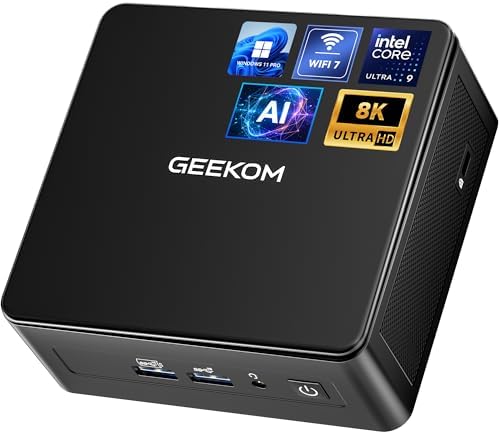
GEEKOM A9 Max Mini PC
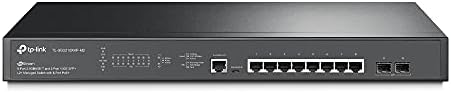
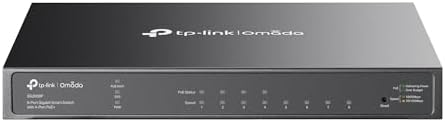
TP-Link Omada TL-SG3210XMP-M2 Managed 2.5G Switch
FortiGate 60F with FIPS-SEAL-RED
How to Configure Dual 2.5G RJ45 Ports on GEEKOM A9 Max for Proxmox Network Isolation: A Technical Blueprint
If you are running Proxmox VE on a single-NIC mini PC, you already know the symptoms. VM guest traffic stutters during backups. Ceph replication saturates the same link your containers use. A misconfigured VLAN tag locks you out of the Web GUI. And if one compromised guest ever probes the Proxmox management plane, you have no physical boundary to stop it.
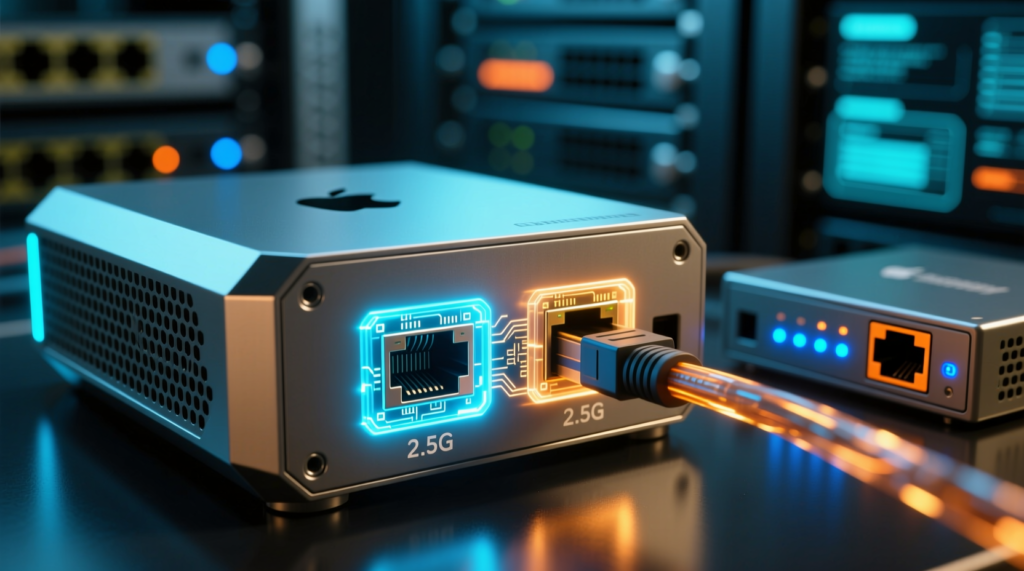
The GEEKOM A9 Max changes the equation. With two native Realtek RTL8125BG 2.5G RJ45 ports, up to 128 GB of DDR5-5600 SODIMM, and dual PCIe Gen4 NVMe slots, it is built to run vmbr0 for management and guest traffic and vmbr1 for storage, cluster, and isolated workloads. This guide shows exactly how to configure that split, why it matters for performance and compliance, and which supporting hardware makes the setup audit-ready.
The Technical Reality / The Failure Point
Single-NIC Proxmox Host Collapse: Why vmbr0 Becomes a Bottleneck
A Proxmox VE node with only one physical Ethernet interface routes management traffic, VM guest traffic, container traffic, and storage or Ceph traffic through a single Linux bridge, vmbr0.
This forces every traffic class into the same broadcast domain and Layer-2 segment, resulting in predictable congestion, jitter, and a flat network where nothing is truly isolated.
Security Boundary Violation: When Compromised VMs Probe the Management Plane
Without physical or VLAN-isolated separation, a compromised VM or container can directly probe the Proxmox management interface and adjacent workloads.
That violates network-segmentation requirements under NIST SP 800-171 Rev. 3 (3.13.1 / SC.L2-3.13.11) and CMMC 2.0 Level 2 boundary-protection controls, meaning an auditor will flag the design and a breach can pivot faster than it should.
Storage/VM I/O Contention: Ceph, iSCSI, NFS, and OpenZFS ARC Starving Guest Traffic
Ceph public and cluster replication, iSCSI, NFS, and OpenZFS ARC cache traffic all compete with guest VM network I/O on the same 2.5 Gbps link.
During replication or backup operations, this contention produces latency spikes and throughput collapse, causing guest VMs to slow down as the storage plane consumes the available bandwidth.
Control-Plane Exposure: K3s API, etcd, and VXLAN Sharing One Subnet
In Kubernetes home-lab deployments, the Kubernetes API server on TCP 6443, etcd peer traffic, and pod overlay or VXLAN traffic share the same interface.
That increases attack surface and makes a true management/tenant split impossible; if the overlay goes noisy, the API suffers.
Realtek 2.5G USB Adapter Instability: The Budget Dongle Failure Mode
Cheap USB-based 2.5G adapters and single-NIC mini PCs use Realtek RTL8156BG/RTL8156B chipsets.
Under sustained load, these chipsets overheat, drop packets, and disconnect, leading to quorum loss and VM migration failures in a Proxmox cluster. The fix is native dual 2.5G RJ45, not a dongle hanging off USB.
OpenZFS ARC Memory Pressure: RAM Starvation on Single-Network Nodes
On a single-network, single-host Proxmox node, uncapped ARC can consume most of the host RAM.
That leaves insufficient memory for KVM and LXC workloads, causing host-level swapping and I/O bottlenecks. Network isolation alone does not solve this, but it is part of the same architecture: separate the planes, then tune the memory.
The Core Gear Architecture
Primary Node: GEEKOM A9 Max Specifications
The GEEKOM A9 Max is the foundation of this build.
| Component | Specification |
|---|---|
| Processor | AMD Ryzen AI 9 HX 370 (12 cores / 24 threads, Zen 5 / Zen 5c hybrid, 4 nm TSMC, 28 W TDP) |
| NPU/GPU/AI | AMD XDNA 2 NPU up to 50 TOPS; integrated Radeon 890M graphics; total platform AI performance up to ~80 TOPS |
| Memory | Dual-channel DDR5-5600 SODIMM, up to 128 GB (2 × 64 GB slots, non-soldered, socketed) |
| Network | Dual 2.5G RJ45 ports (Realtek RTL8125BG 2.5 Gigabit Ethernet controllers) |
| Wireless | Wi-Fi 7 + Bluetooth 5.4 |
| Storage | 2 × M.2 2280 PCIe Gen4 x4 NVMe slots (up to 8 TB total) |
| I/O | Multiple USB4/USB-A, HDMI 2.0, DisplayPort, 3.5 mm audio |
| Power | External high-wattage adapter (120 W class) |
What matters here is the combination of socketed DDR5, dual native 2.5G NICs, and PCIe Gen4 NVMe. You can run a TrueNAS VM, a Ceph node, and a K3s control plane on the same box without fighting a single network port or soldered RAM limit.
Supporting Network Hardware
For the switch layer, a managed 2.5G switch is non-negotiable if you want VLANs, LACP, and clean trunking.
| Feature | Specification |
|---|---|
| Model | TP-Link Omada TL-SG3210XMP-M2 |
| Ports | 8 × 2.5G RJ45 |
| Uplinks | 2 × 10G SFP+ |
| Management | L2+ managed, VLAN, LACP, QoS, Omada SDN support |
Alternative: MikroTik CRS310-1G-5S-4S+IN or comparable 2.5G/10G managed switch for trunking and VLAN isolation.
Either option gives you the trunk ports and VLAN segmentation that turn the A9 Max’s two NICs into a real multi-plane network.
2026 Freshness Baselines
Memory baseline: DDR5-5600 SODIMM is now the minimum expectation for Proxmox/ZFS nodes; 128 GB capacity is required for multi-VM + ZFS ARC workloads.
Network baseline: Dual 2.5G RJ45 is the current home-lab standard; 10G SFP+ uplinks on the switch provide headroom.
Wireless baseline: Wi-Fi 7 for client/IoT traffic offloading.
Compliance baseline: For any CUI-adjacent network, a FIPS 140-3 validated perimeter gateway (e.g., FortiGate 60F with FIPS-SEAL-RED) is required after the September 21, 2026 CMVP transition.
The Technical Setup Blueprint
Physical Layout and Port Mapping on the A9 Max
Map the two ports deliberately:
enp1s0 → management / VM guest network
enp2s0 → storage / cluster / isolated workload network
Confirm both ports negotiate at 2.5 Gbps full-duplex. In Proxmox, check with ethtool enp1s0 and ethtool enp2s0. If either falls back to 1 Gbps, verify the cable and switch port settings.
Proxmox VE Network Segmentation: /etc/network/interfaces Configuration
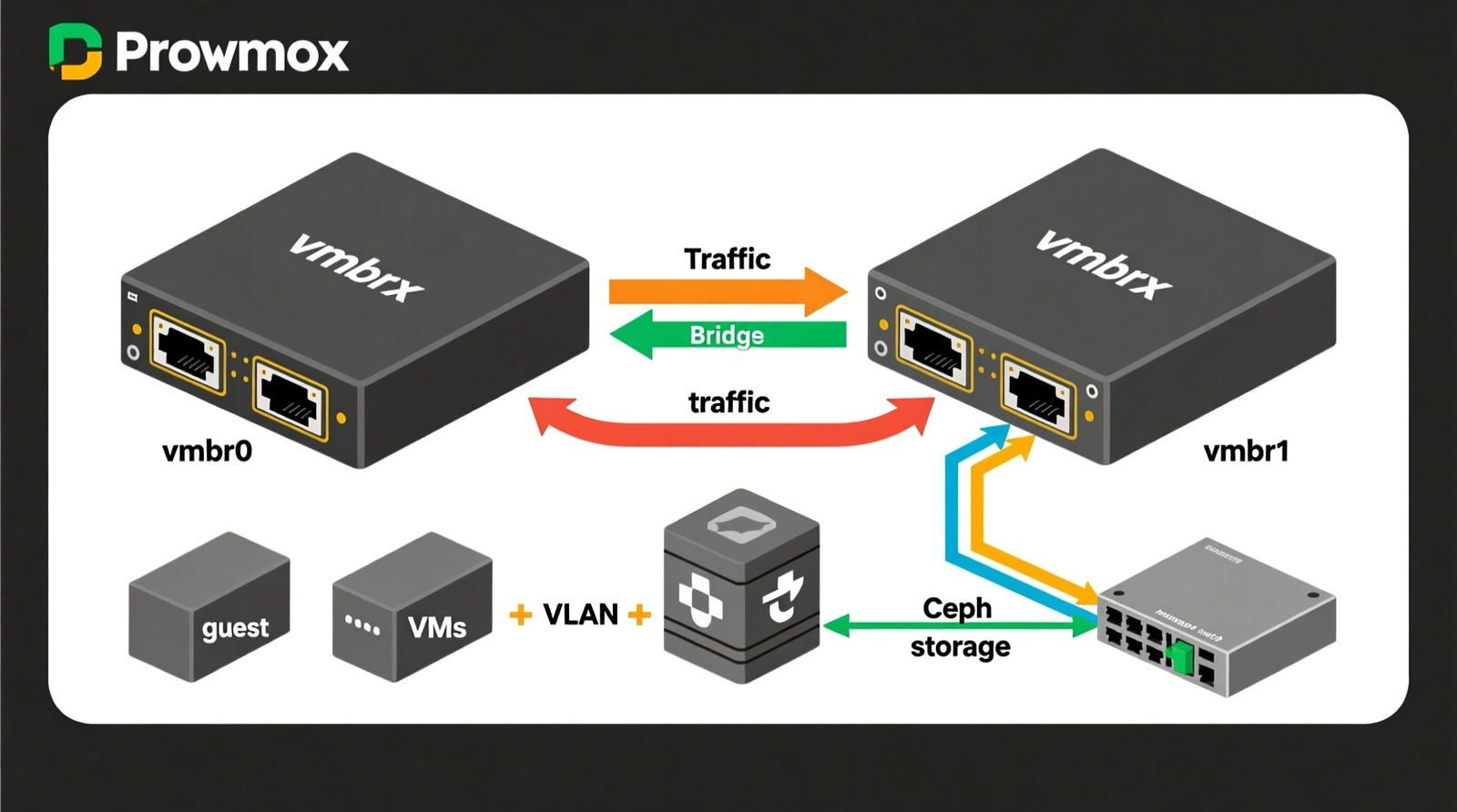
Here is the exact bridge configuration. vmbr0 carries management and guest traffic. vmbr1 carries storage and cluster traffic.
auto lo
iface lo inet loopback
# Management / VM guest network
iface enp1s0 inet manual
auto vmbr0
iface vmbr0 inet static
address 192.168.1.10/24
gateway 192.168.1.1
bridge-ports enp1s0
bridge-stp off
bridge-fd 0
# Storage / cluster / isolated workload network
iface enp2s0 inet manual
auto vmbr1
iface vmbr1 inet static
address 10.10.10.10/24
bridge-ports enp2s0
bridge-stp off
bridge-fd 0
Apply with ifupdown2 or reboot. Always keep IPMI or a local console handy; a bridge typo will lock you out of the network.
VLAN Trunking on the Managed Switch
If you want guest VLANs, add subinterfaces on vmbr0:
vmbr0.10 = DMZ / guest VMs
vmbr0.20 = IoT
vmbr0.30 = management
Configure the switch port connected to enp1s0 as a trunk with the matching VLAN IDs. This keeps guest segmentation off the storage bridge and lets you collapse or expand VLANs without touching vmbr1.
Kubernetes (K3s) Network Isolation
Control-plane API: Bind to the vmbr0 IP and expose TCP 6443 on the management network only.
Node-to-node / pod overlay: Run Flannel/Calico VXLAN on UDP 4789, or use host-gw over vmbr1, to separate pod traffic from management traffic.
etcd peer traffic: For multi-node clusters, place etcd peer traffic on vmbr1 so tenant traffic never traverses the control-plane path.
This is the K3s anti-pattern fix the r/kubernetes and r/k3s communities keep repeating: do not let the API and the pod overlay share the same subnet.
OpenZFS / TrueNAS VM Memory Tuning
Cap ARC so your VMs have room to breathe. For a 128 GB node, set:
# /etc/modprobe.d/zfs.conf
options zfs zfs_arc_max=68719476736
Check out TECH Collection Amazon Products
That sets the ARC max to 64 GB. Adjust based on your VM count. Attach the TrueNAS or VM storage network to vmbr1 so iSCSI and NFS traffic stays off the guest bridge.
Ceph Public and Cluster Network Separation
Public network: vmbr0 (client/mon traffic, ports 3300, 6789)
Cluster network: vmbr1 (OSD replication, ports 6800–7300)
Dual 2.5G links prevent replication from starving client I/O. This is the r/Proxmox-recommended fix for the single-NIC Ceph bottleneck.
Cybersecurity & Network Perimeter Architecture
Use the dual 2.5G ports to create physical enclaves for CUI versus non-CUI workloads. That satisfies NIST SP 800-171 Rev. 3 control 3.13.1 and CMMC 2.0 SC.L2-3.13.11.
Internal segmentation is not enough. Deploy a FIPS 140-3 validated perimeter gateway such as the FortiGate 60F with FIPS-SEAL-RED. After the September 21, 2026 CMVP transition, FIPS 140-2 certificates move to Historical status, so new procurements should target FIPS 140-3 validation.
Forward Proxmox audit logs, firewall logs, and VM event logs to Wazuh or another SIEM for continuous monitoring and audit-ready reporting.
Micro-Electronics & PCB Diagnostic Cross-Reference
If this Proxmox node also supports a hardware-repair bench, these tools are relevant:
FNIRSI LCR-ST1: 100 Hz / 1 kHz / 10 kHz test frequencies, 0.3 V / 0.6 V test voltages
Andonstar AD246S-M: 30 cm vertical bracket clearance, dual-screen HDMI output, 2160P video
They are not part of the network config, but they show the kind of multi-use workstation the A9 Max can host.
Field Verdict & Operational ROI
Why Dual 2.5G RJ45 Ports Eliminate the Single-NIC Bottleneck
Dedicated vmbr0 for management and VM guest traffic. Dedicated vmbr1 for storage, cluster, and isolated workloads.
That is true network isolation, lower latency, and the elimination of I/O contention. No more Ceph replication choking your guest network.
Total Cost of Ownership vs. Enterprise Rack Servers
Compact Ryzen mini PC clusters like the A9 Max, A8, or A6 replace loud, 200–400 W idle enterprise rack servers.
You get a silent, high-density Proxmox and Kubernetes lab with socketed DDR5 and dual NICs. The power bill and the noise floor both drop.
Compliance and Audit Readiness for CMMC/NIST Environments
Physical NIC separation is preferred by auditors over internal VLANs alone. A dual-NIC Proxmox node sitting behind a FIPS-validated firewall enclave is a defensible architecture for CUI-adjacent networks.
Final Recommendation
Community Reference & Authority Resources:
The GEEKOM A9 Max‘s dual 2.5G RJ45 ports solve the single-NIC Proxmox bottleneck by providing a dedicated management/VM bridge and a dedicated storage/cluster bridge. That enables true network isolation, lower latency, and CMMC-aligned segmentation. With 128 GB DDR5 capacity and PCIe Gen4 NVMe storage, it also supports heavy KVM/LXC workloads and local LLM experimentation.
Pair it with a managed 2.5G switch like the TP-Link Omada TL-SG3210XMP-M2 and a FIPS 140-3 validated perimeter gateway like the FortiGate 60F with FIPS-SEAL-RED, and you have a 2026-ready Proxmox node that performs, isolates, and audits.
🔍 Explore More: See all tech guides and tutorials for how to configure dual 2.5G RJ45 ports on GEEKOM A9 Max for proxmox network isolation.
Check out TECH Collection Amazon Products