
Welcome to the ever-evolving world of information management! 🌐
In today’s fast-paced digital landscape, having a robust knowledge base is no longer a luxury, but a necessity.
Whether you’re a burgeoning startup or an established enterprise, efficient knowledge sharing can dramatically impact your productivity, customer satisfaction, and bottom line. 💰
But with a dizzying array of knowledge base software options available, how do you choose the one that truly fits your unique needs? 🤔
Fear not, intrepid knowledge seeker!
This comprehensive guide is designed to help you navigate the intricate world of knowledge base software comparison.
We’ll delve into key features, consider different use cases, and provide actionable insights to empower your decision-making process. 💡
What Exactly is Knowledge Base Software?
At its core, knowledge base software is a centralized repository for information.
Think of it as your organization’s digital brain, storing everything from product FAQs and troubleshooting guides to internal policies and best practices. 🧠
It’s a tool designed to organize, store, and retrieve information quickly and efficiently.
This can be for your customers (external knowledge base) or your employees (internal knowledge base).
The ultimate goal is to empower users to find answers independently, reducing reliance on direct support and fostering a culture of self-service.
According to a report by Harvard Business Review, customers increasingly prefer self-service options, making a well-structured knowledge base a critical component of any customer service strategy.
Why is a Knowledge Base Indispensable?
The benefits of implementing effective knowledge base software are multifaceted and far-reaching. 🚀
- Enhanced Customer Satisfaction: Customers can find answers 24/7 without waiting for a support agent, leading to quicker resolutions and happier experiences. 📈
- Reduced Support Volume: By deflecting common queries, your support team can focus on more complex issues, improving efficiency and reducing burnout. 📉
- Improved Employee Onboarding and Training: New hires can quickly get up to speed by accessing a wealth of internal documentation and procedures. 🧑💻
- Consistent Information: A single source of truth ensures everyone has access to the most current and accurate information, eliminating discrepancies. ✅
- Scalability: As your business grows, your knowledge base can scale with you, accommodating more content and users without friction. 🌱
“The only true wisdom is in knowing you know nothing.” – Socrates
In the context of knowledge bases, it means always striving to learn and document! 🧐
Key Features to Look for in Knowledge Base Software
When embarking on your knowledge base software comparison journey, several core features should be at the top of your checklist. 📝
1. Intuitive Content Creation and Editing
The easier it is to create and update content, the more likely your team will actively contribute.
Look for rich text editors, drag-and-drop functionality, and support for various media types (images, videos). ✍️
2. Powerful Search Functionality
A knowledge base is only as good as its search.
Users need to find answers quickly.
Features like intelligent search, auto-complete, and filtering are crucial. 🔍
3. Customization and Branding
An external knowledge base should seamlessly integrate with your brand’s look and feel.
Customizable templates, logos, and color schemes are essential for a professional appearance. 🎨
4. Collaboration Tools
For internal knowledge bases, features like version control, comments, and workflow management are vital for team collaboration. 🤝
5. Analytics and Reporting
Understanding what content is being accessed, how often, and what’s missing is critical for continuous improvement.
Look for dashboards that track article views, search queries, and user feedback. 📊
These insights allow you to identify gaps and optimize your knowledge base effectively.
6. Integrations
Does the software integrate with your existing tools, such as CRM, help desk, or chat applications?
Seamless integrations enhance workflow efficiency. 🔗
For more on integration benefits, check out this article on Forbes.
Top Knowledge Base Software Comparison: A Closer Look
Let’s dive into some of the leading knowledge base software solutions on the market.
Keep in mind that the “best” software is subjective and depends heavily on your specific requirements. 🎯
| Software Name | Best For | Key Differentiators | Pricing Model |
|---|---|---|---|
| Zendesk Guide | Customer support-centric teams needing seamless integration with a help desk. | Deep integration with Zendesk Support, AI-powered answer bot, powerful analytics. | Tiered pricing based on agents and features. |
| Confluence (Atlassian) | Internal team collaboration, project documentation, and extensive internal wikis. | Robust collaboration features, tight integration with Jira, flexible page layouts. | Per-user pricing, free tier available. |
| Help Scout Docs | Businesses prioritizing simplicity, ease of use, and excellent customer service. | Clean interface, powerful search, robust reporting, part of the Help Scout ecosystem. | Included with Help Scout plans, or standalone. |
| Guru | Teams needing in-context knowledge delivery, especially for sales and support. | Browser extension for instant knowledge, verification workflows, AI suggestions. | Per-user pricing, free tier for small teams. |
| Document360 | SaaS companies and enterprises with extensive technical documentation needs. | Version control, analytics, private/public knowledge bases, rich content editor. | Tiered pricing based on team size and features. |
This table provides a high-level overview.
Remember to dive deeper into each platform’s specifics based on your detailed requirements.
Internal vs. External Knowledge Bases
It’s crucial to understand the distinction between these two types of knowledge bases.
While some software can serve both purposes, their primary focus and features often differ.
External Knowledge Base (Customer-Facing)
This is what your customers see.
It’s typically a public-facing website filled with FAQs, how-to guides, and troubleshooting steps. 🧑🤝🧑
Key considerations:
- User Experience: Must be intuitive, easy to navigate, and visually appealing.
- SEO Optimization: To help customers find answers through search engines.
- Feedback Mechanisms: Allow customers to rate articles and suggest improvements.
Internal Knowledge Base (Employee-Facing)
This is for your team only, containing internal policies, onboarding documents, technical specifications, and company-specific best practices. 🏢
Key considerations:
- Access Control: Granular permissions to ensure sensitive information is restricted.
- Collaboration Tools: Features like version history, comments, and approvals.
- Integration with Internal Tools: Connecting with project management, CRM, or HR systems.
Many organizations benefit from having both types, sometimes even powered by the same software.
Choosing the Right Knowledge Base Software: A Step-by-Step Guide
Navigating the knowledge base software comparison process requires a structured approach. 🪜
1. Define Your Goals and Use Cases
What do you hope to achieve with a knowledge base?
Are you aiming to reduce support tickets, streamline onboarding, improve internal collaboration, or all of the above?
Clearly outlining your objectives will narrow down your options significantly. 🎯
2. Identify Your Key Features
Based on your goals, list the must-have features.
Prioritize them into “essential,” “important,” and “nice-to-have.”
This helps avoid feature bloat and focuses on what truly matters.
For a detailed guide on feature prioritization, you can refer to insights from ProductPlan.
3. Consider Your Budget
Knowledge base software pricing varies widely, from free tiers to enterprise-level solutions. 💸
Factor in not just the subscription cost but also potential implementation, training, and maintenance expenses.
4. Read Reviews and Case Studies
Leverage platforms like G2, Capterra, and TrustRadius to see what actual users are saying.
Look for reviews from companies similar to yours in size and industry. ⭐
5. Take Advantage of Free Trials and Demos
The best way to know if software is a good fit is to try it out yourself.
Set up a trial, invite key stakeholders, and test out your most critical use cases. 🧪
Don’t underestimate the power of hands-on experience!
6. Assess Scalability and Future Needs
Will the software grow with your company?
Consider your future content volume, user growth, and evolving feature requirements.
The Future of Knowledge Management: AI and Beyond
The landscape of knowledge management is constantly evolving. 🌌
Artificial Intelligence (AI) is playing an increasingly significant role, with features like:
- AI-powered search: Understanding user intent rather than just keywords.
- Automated content suggestions: Proactively suggesting relevant articles to users or support agents.
- Content optimization: Identifying gaps and suggesting improvements to existing articles.
The rise of conversational AI and chatbots also means that knowledge bases are becoming the backbone for these interactive support channels.
For deeper insights into AI in customer service, explore resources from Gartner.
“Knowledge is power. Information is liberating. Education is the premise of progress, in every society, in every family.” – Kofi Annan
This quote perfectly encapsulates the essence of effective knowledge management.
Empowering users with knowledge is a powerful driver of progress.
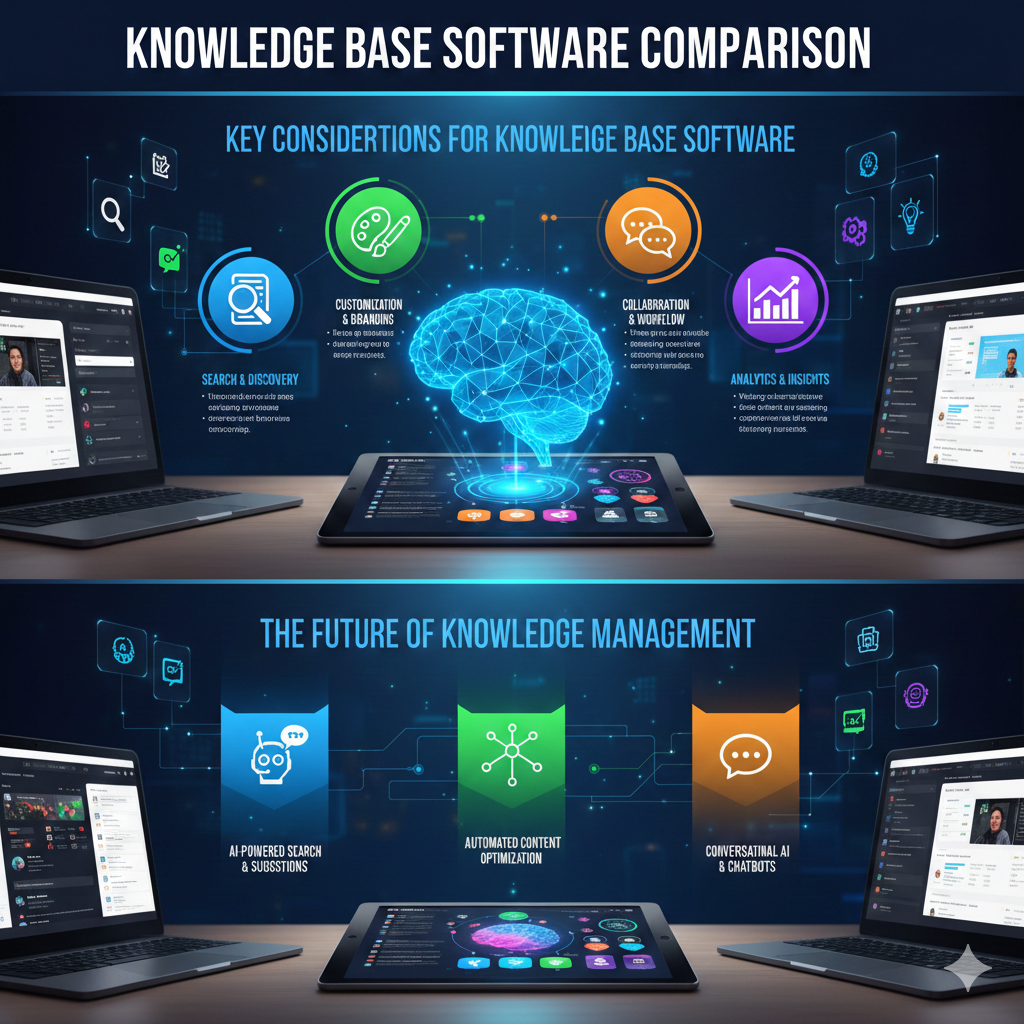
Here is an infographic summarizing the future trends in knowledge management.
Conclusion: Your Knowledge Base, Your Way
The journey of knowledge base software comparison can seem daunting, but by focusing on your specific needs and systematically evaluating your options, you’ll undoubtedly find the perfect fit. 🎉
Remember, a knowledge base is not a one-time setup; it’s a living, breathing entity that requires continuous care and optimization.
Regularly review your content, analyze user feedback, and adapt to evolving needs.
By investing in the right knowledge base software, you’re not just buying a tool; you’re investing in a smarter, more efficient, and more customer-centric future for your organization. 🚀
Make an informed decision, and watch your knowledge flourish! ✨
Happy knowledge building.