
The journey of a small business owner is often a relentless pursuit of efficiency and growth. 💡
Every minute spent on repetitive, manual tasks is a minute taken away from strategic planning, customer engagement, or product development.
This is where the power of automation tools transforms the landscape of business planning.
Automation is no longer a luxury reserved for large enterprises; it is a necessity for small businesses looking to compete in the modern digital economy. 🚀
By integrating the right tools, small businesses can streamline their operations, reduce costly errors, and free up valuable human capital.
This comprehensive guide will explore the essential categories of small business automation, the top tools in each, and a strategic plan for implementation.
Understanding the Core Value of Automation for SMBs 🤓
The primary goal of automation is to eliminate the mundane.
Think of all the tasks that consume your team’s time: data entry, sending follow-up emails, scheduling social media posts, or generating invoices.
These tasks, while necessary, do not directly contribute to revenue generation or core innovation.
Automation handles these processes, allowing your team to focus on high-value activities that drive the business forward.
The benefits extend far beyond simple time savings.
According to the U.S. Chamber of Commerce, business automation can lead to reduced errors and increased productivity, which are critical for small businesses operating on tight margins. The strategic adoption of these technologies is a key component of modern business planning.
Key Benefits of Implementing Automation 📌
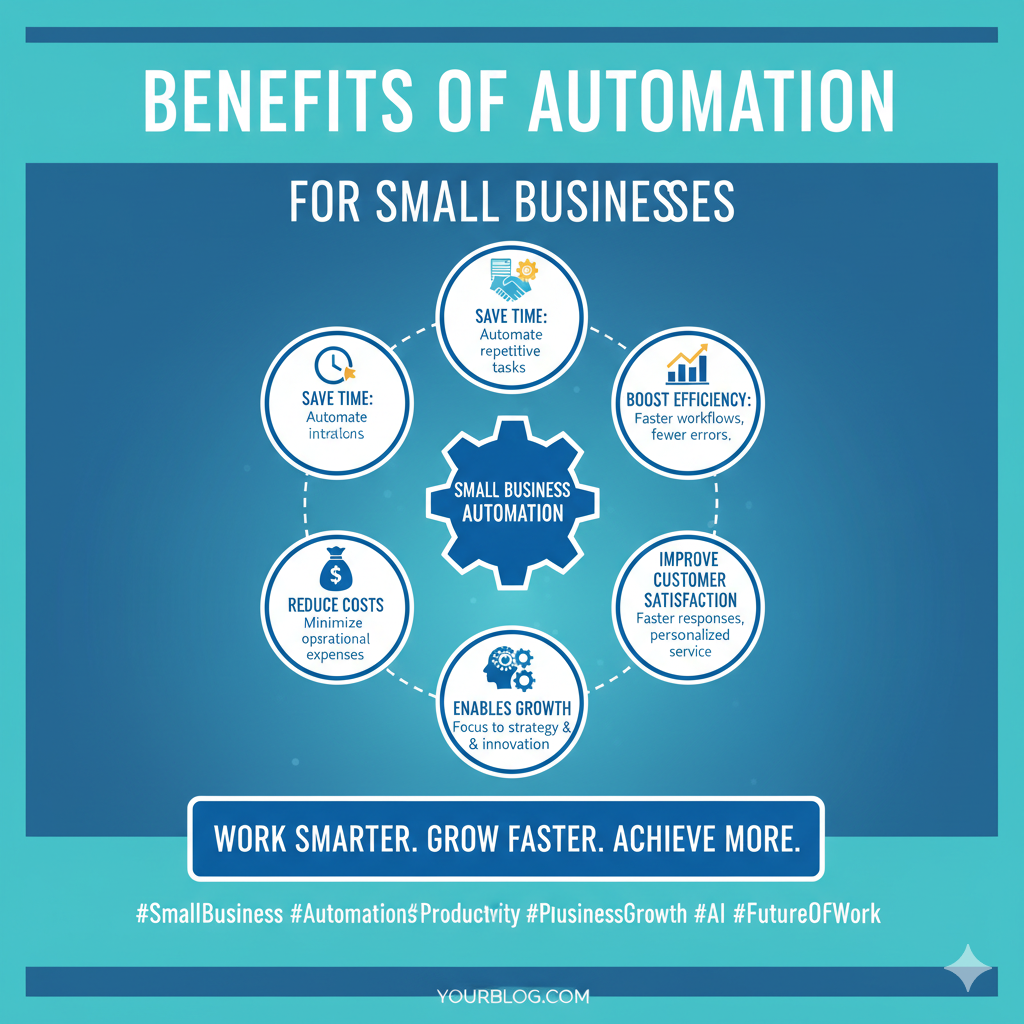
Implementing automation yields several measurable advantages for small and medium-sized businesses (SMBs).
These benefits directly impact the bottom line and overall operational health.
- Increased Efficiency and Speed: Automated workflows execute tasks much faster than human employees, leading to quicker turnaround times for customers and internal processes.
- Reduced Operational Costs: By handling repetitive tasks, automation reduces the need for extensive administrative staff, lowering labor costs and minimizing overhead.
- Improved Accuracy: Machines do not make typos or forget steps in a process, ensuring a higher level of data integrity and fewer costly mistakes.
- Better Customer Experience: Automated customer service tools, like chatbots and personalized email sequences, provide instant responses and consistent service quality 24/7.
- Scalability: Automation allows a small team to handle a rapidly increasing workload without a proportional increase in headcount, making growth smoother and more sustainable.
Understanding these core advantages is the first step in building a robust business plan around automation.
Essential Categories of Small Business Automation Tools 🛠️
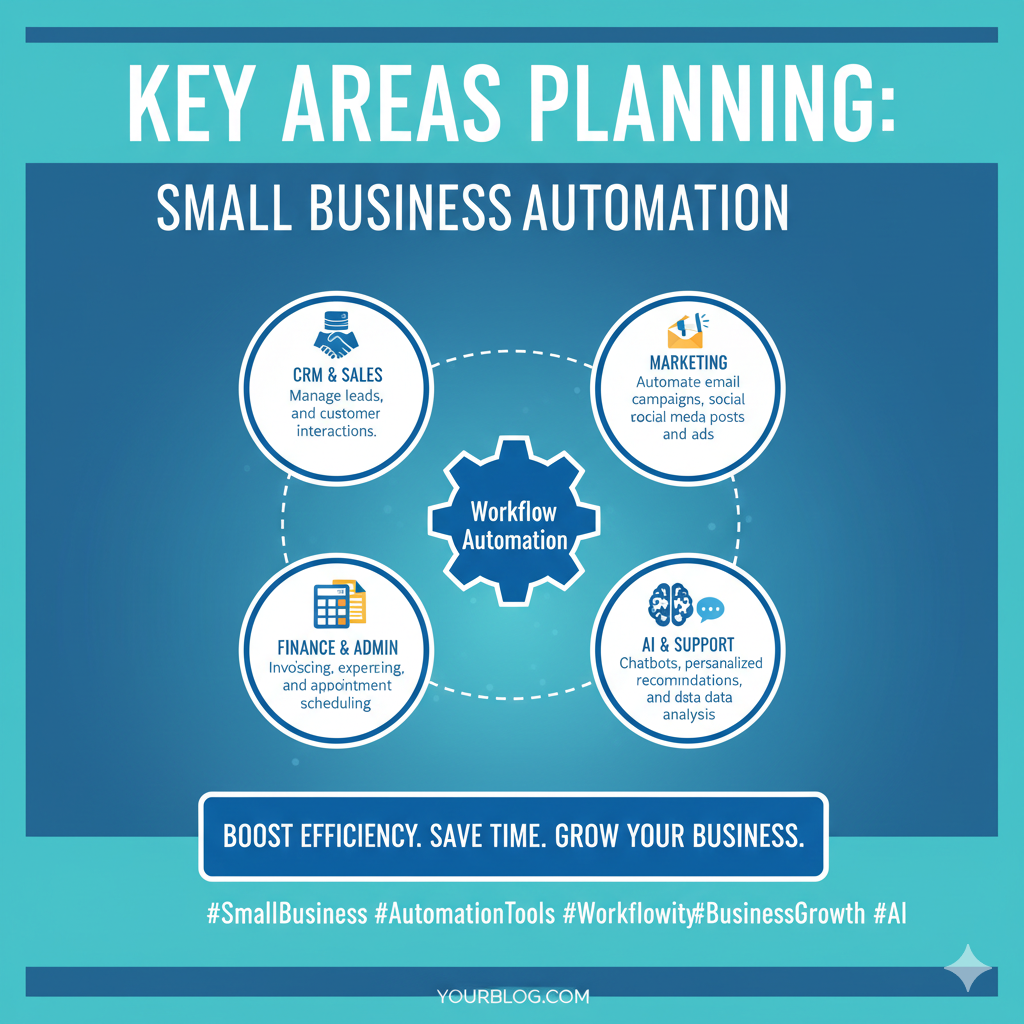
Automation tools can be grouped into several key categories, each addressing a specific area of business operations.
A successful automation strategy involves selecting the right tools to create a seamless, interconnected ecosystem.
1. Marketing and Sales Automation
These tools focus on nurturing leads, managing customer relationships, and executing marketing campaigns without constant manual intervention.
A Customer Relationship Management (CRM) system is the foundation of this category.
| Tool Type | Key Function | Example Tools |
|---|---|---|
| CRM Software | Automates lead tracking, sales pipeline management, and customer data organization. | HubSpot, Salesforce Essentials, Zoho CRM |
| Email Marketing | Schedules email campaigns, segment audiences, and automates follow-up sequences. | Mailchimp, ActiveCampaign, ConvertKit |
| Social Media Management | Plans, schedules, and publishes content across multiple social platforms. | Buffer, Hootsuite, Sprout Social |
Effective marketing automation ensures that no lead falls through the cracks and that communication is always timely and relevant.
2. Financial and Accounting Automation
Financial tasks are often the most time-consuming and error-prone for small businesses.
Automation in this area covers everything from invoicing to payroll and expense tracking.
The goal is to achieve real-time financial visibility and compliance with minimal manual input.
- Automated Invoicing: Tools can automatically generate and send invoices upon project completion or subscription renewal, and even send reminders for late payments.
- Expense Management: Software can scan receipts, categorize expenses, and reconcile transactions with bank feeds, saving hours of manual data entry.
- Payroll Processing: Automated payroll systems calculate wages, deductions, and taxes, ensuring employees are paid accurately and on time, while maintaining regulatory compliance.
The shift to automated accounting software like QuickBooks or Xero is a foundational step in modern business planning.
This automation not only saves time but also provides accurate data for better decision-making.
3. Workflow and Integration Automation
This category includes the “glue” tools that connect disparate applications and automate processes across different systems.
These tools are crucial for creating a truly integrated digital workplace.
For instance, they can automatically move a new lead from your website form (a marketing tool) into your CRM (a sales tool) and notify your team (a communication tool).
| Tool | Primary Use Case | Example Automation |
|---|---|---|
| Zapier | Connecting thousands of apps to automate repetitive tasks. | New email attachment is automatically saved to Google Drive. |
| IFTTT (If This Then That) | Simple, conditional automation between web services and devices. | Post to Twitter when a new blog post is published on WordPress. |
| Integromat (Make) | Advanced, visual workflow automation for complex scenarios. | Process form submission data, enrich it with external APIs, and create a task in a project management tool. |
These integration platforms are the backbone of a modern, automated small business.
They allow even non-technical users to build powerful, cross-application workflows.
A Strategic Approach to Automation Implementation 💡
Jumping into automation without a plan can lead to a fragmented, confusing system that creates more problems than it solves.
A strategic, phased approach is essential for successful adoption.
This process should be integrated into your overall business planning cycle.
Phase 1: Audit and Identify Bottlenecks
Start by documenting every single process in your business.
Identify tasks that are repetitive, time-consuming, prone to human error, and occur frequently.
Prioritize the processes that offer the highest return on investment (ROI) in terms of time saved or errors eliminated.
A good starting point is often customer onboarding or internal reporting.
Phase 2: Select and Pilot the Right Tools
Based on your audit, select a few low-cost, easy-to-implement tools for a pilot program.
Focus on tools that integrate well with your existing software stack.
For example, if you use Google Workspace, look for tools with native Google integrations.
Test the automation on a small scale to measure its impact and work out any kinks before a full rollout.
The importance of this testing phase cannot be overstated.
Phase 3: Scale and Optimize
Once the pilot is successful, gradually expand the automation to other areas of the business.
Continuously monitor the performance of your automated workflows.
Automation is not a one-time setup; it requires ongoing optimization to adapt to the business’s evolving needs.
Regularly review your processes to ensure the automation is still serving its intended purpose and not creating new, unforeseen bottlenecks.
The Role of AI in Next-Generation Automation 🤖
Artificial Intelligence (AI) is rapidly transforming the automation landscape, making it more powerful and accessible for small businesses.
AI-powered tools can handle tasks that require judgment, pattern recognition, and natural language understanding, moving beyond simple rule-based automation.
This includes advanced customer service chatbots that can resolve complex queries, AI-driven content generation for marketing, and predictive analytics for inventory management.
Salesforce highlights how AI can automate tasks like data entry and lead scoring, freeing up sales teams to focus on closing deals. Embracing AI is the next frontier in small business efficiency.
Practical AI Automation Examples
Here are a few ways small businesses are leveraging AI today.
| Area | AI Automation | Impact |
|---|---|---|
| Customer Service | AI Chatbots and Virtual Assistants for 24/7 support. | Instant response times and reduced support ticket volume. |
| Content Creation | AI tools for drafting emails, social posts, and blog outlines. | Accelerated content pipeline and consistent brand voice. |
| Data Analysis | AI-powered reporting that highlights key trends and anomalies. | Faster, more accurate business intelligence and strategic insights. |
The integration of AI into automation workflows is a game-changer for small businesses, leveling the playing field against larger competitors.
Deep Dive: Workflow Automation Tools 🔗
While specialized tools handle specific functions (like email or accounting), workflow automation platforms are the true engines of efficiency.
These tools, such as Zapier and Make, allow you to create “Zaps” or “Scenarios” that link actions across multiple applications.
For instance, a single workflow can be set up to:
- When a new order is placed in Shopify (Trigger).
- Create a new customer record in HubSpot (Action 1).
- Add a new row to a Google Sheet for tracking (Action 2).
- Send a personalized “Thank You” email to the customer (Action 3).
This single automation replaces four manual steps, saving time and ensuring consistency.
The ability to connect disparate systems is the hallmark of a mature and well-planned small business operation.
Learning to use these platforms is a critical skill for any modern entrepreneur.
For those interested in a more technical perspective on the power of integration, a deep dive into API-based automation is highly recommended. Understanding how APIs connect the digital world is key to unlocking advanced automation.
Overcoming Common Automation Challenges 🚧
While the benefits are clear, small businesses often face hurdles when implementing automation.
The most common challenges include initial setup complexity, cost concerns, and resistance from employees.
Challenge 1: The Fear of High Costs
Many small business owners assume automation software is prohibitively expensive.
However, most leading tools offer free tiers or affordable entry-level plans specifically designed for SMBs.
The cost of a subscription is almost always outweighed by the savings in labor and the increase in productivity.
Consider the opportunity cost of manual work versus the subscription fee.
Challenge 2: Employee Resistance
Employees may fear that automation will lead to job loss or that the new systems will be too difficult to learn.
The key is to position automation as a tool for empowerment, not replacement.
Explain that automation will take over the boring tasks, allowing them to focus on more creative and rewarding work.
Proper training and clear communication are vital for a smooth transition.
Challenge 3: Data Security and Privacy
Integrating multiple tools means your data is flowing across different platforms, raising security concerns.
Always choose reputable, established vendors that comply with industry-standard security protocols.
Ensure that any tool handling sensitive customer or financial data is fully compliant with regulations like GDPR or CCPA.
Prioritizing security in your tool selection is a non-negotiable aspect of responsible business planning.
Case Study: Automation in a Small E-commerce Business 🛍️
Consider a small e-commerce store selling handcrafted goods.
Before automation, the owner spent hours each day on manual tasks.
| Manual Task | Automation Solution | Time Saved (Per Week) |
|---|---|---|
| Manually entering order details into a spreadsheet. | Zapier integration between Shopify and Google Sheets. | 3 hours |
| Sending shipping confirmation emails with tracking numbers. | E-commerce platform’s built-in email automation. | 2 hours |
| Responding to common customer questions (e.g., “Where is my order?”). | AI Chatbot on the website and Facebook Messenger. | 5 hours |
| Total Time Saved: | 10+ hours |
By automating just these three areas, the owner gained over ten hours per week.
This time was then reinvested into creating new products and improving the website’s design, directly impacting revenue.
This is a tangible example of how automation fuels growth.
Further Learning and Resources 📚
To continue your education on small business automation, explore these high-quality resources.
The Small Business Administration (SBA) provides excellent resources on technology adoption for small businesses. Their guides offer a solid framework for integrating new systems into your business plan.
Additionally, for a broader perspective on the future of work and automation, the insights from institutions like the Brookings Institution are invaluable. Understanding the macro trends helps in making micro-level business decisions.
Finally, for practical, step-by-step guidance, many industry leaders offer free courses and tutorials. HubSpot’s resources on marketing and sales automation are particularly useful for beginners.
Visual Guides to Automation
Conclusion: Automate to Accelerate 🏁
The modern small business cannot afford to be bogged down by manual processes.
Automation tools are the critical link between ambitious business planning and successful execution.
By strategically implementing solutions for marketing, finance, and workflow integration, small businesses can unlock unprecedented levels of efficiency and scalability.
Start small, audit your processes, and choose tools that grow with you.
The time you save today is the investment you make in your business’s future success.
Embrace the automated future and watch your small business accelerate. 🌟