
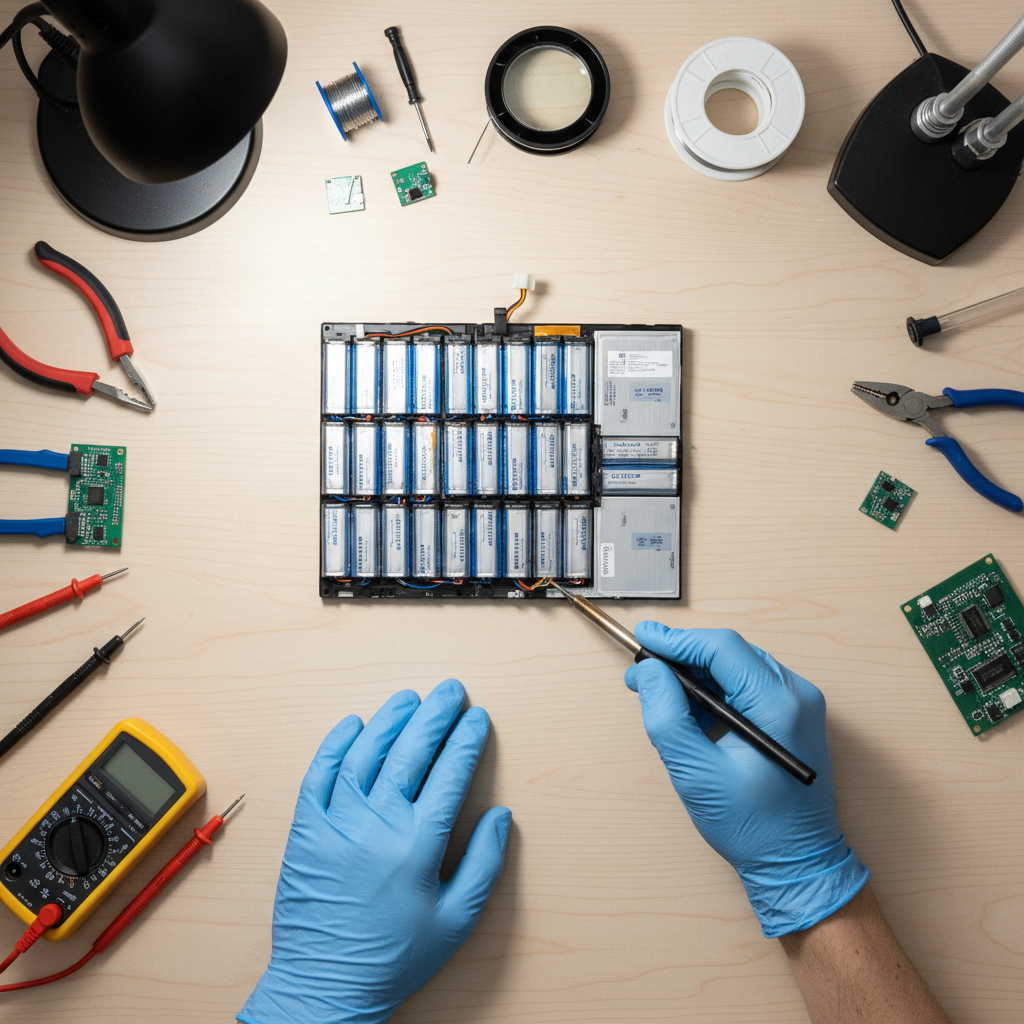


The Truth About Your Dying Laptop Battery 🔋
That dreaded “Low Battery” notification always seems to pop up at the most inconvenient times, doesn’t it? 😩
You’re not alone. Laptop batteries, like all rechargeable batteries, have a limited lifespan.
But what if I told you that you don’t have to shell out a small fortune for a new battery? 💰
Welcome to the world of DIY laptop battery reconditioning! 💡
What is Laptop Battery Reconditioning?
Laptop battery reconditioning is the process of restoring a battery to its full capacity.
This can be done in a few ways, from simple software calibration to replacing the individual cells within the battery pack.
It’s a fantastic way to save money, reduce electronic waste, and learn a new skill! 🤓
Understanding the Different Types of Laptop Batteries
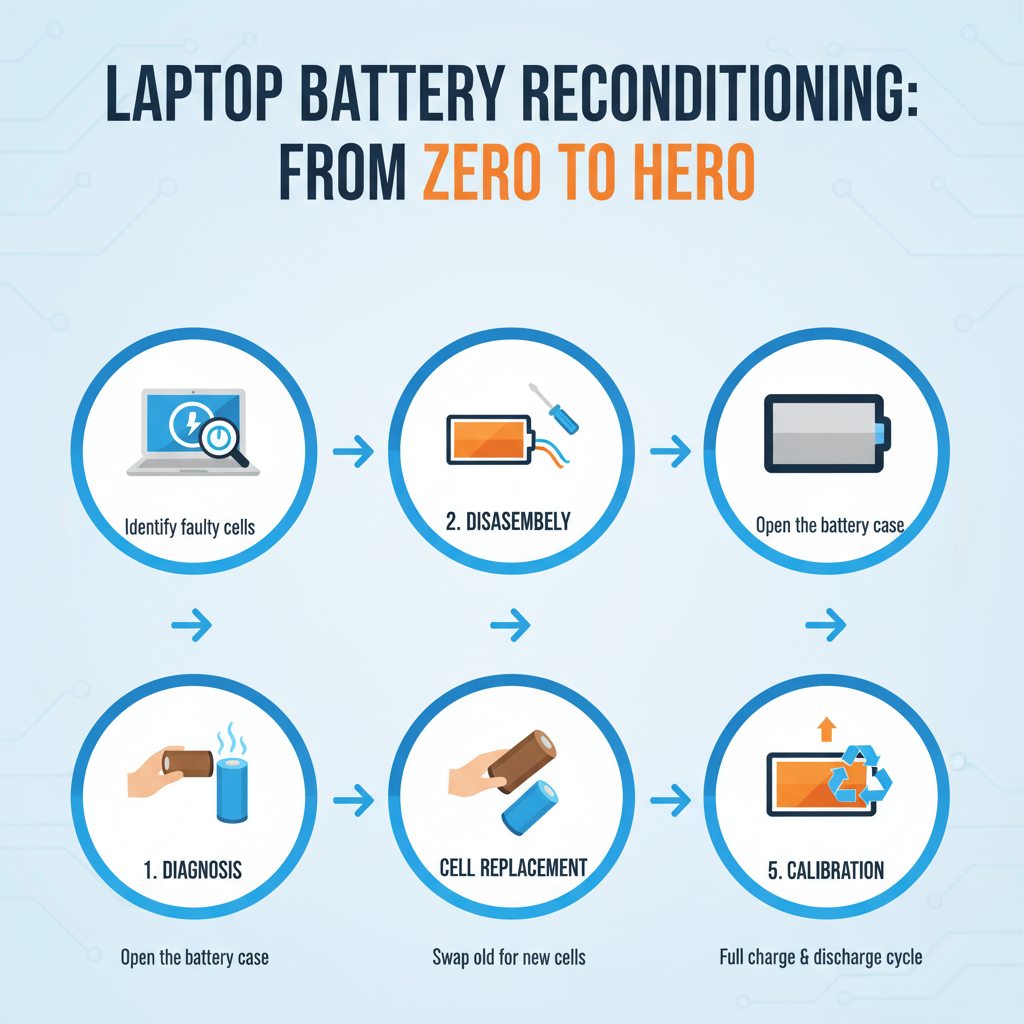
Infographic: Breathe New Life into Your Laptop: The Ultimate Guide to DIY Battery Reconditioning
Before you start, it’s crucial to know what kind of battery your laptop has.
There are three main types: Nickel Cadmium (NiCad), Nickel-Metal Hydride (NiMH), and Lithium-ion (Li-ion).
| Battery Type | Characteristics | Reconditioning Notes |
|---|---|---|
| NiCad | Older technology, suffers from “memory effect” | Requires full discharge and recharge cycles to combat memory effect |
| NiMH | Less prone to memory effect than NiCad, but still benefits from occasional calibration | Calibration can help to restore some of its lost capacity |
| Li-ion | Most common type in modern laptops, no memory effect | Reconditioning usually involves replacing the individual cells |
“We can rebuild it. We have the technology. We can make it better than it was.”
The DIY Laptop Battery Reconditioning Process 🛠️
Ready to get your hands dirty? Here’s a general overview of the process.
Please note that this is a simplified guide, and you should always refer to a detailed tutorial for your specific laptop model.
Step 1: Disassemble the Battery Pack
This is often the most challenging part. 😫
You’ll need to carefully pry open the plastic casing without damaging the internal components.
Take your time and be patient. A set of pry tools can be a lifesaver here.
Once you have the case open, you’ll see the individual battery cells.
Step 2: Test the Cells
Now it’s time to play detective! 🕵️
Using a digital multimeter, test the voltage of each cell.
A healthy 18650 Li-ion cell should have a voltage of around 3.7V.
Any cells with a significantly lower voltage are likely dead and need to be replaced.
https://www.youtube.com/watch?v=13_t31W6P-Q
Step 3: Replace the Dead Cells
This is where the magic happens! ✨
You’ll need to carefully desolder the old cells and solder in the new ones.
Pay close attention to the polarity of the cells. Connecting them backward can be dangerous.
A spot welder is the recommended tool for this job, but it can be done with a soldering iron and a steady hand.
https://www.youtube.com/watch?v=ZxH3tN2vD-0
Step 4: Reassemble and Calibrate
You’re almost there! 🎉
Carefully reassemble the battery pack, making sure all the connections are secure.
Once the battery is back in your laptop, it’s a good idea to calibrate it.
This involves fully charging the battery, then fully discharging it, and then fully charging it again.
“Most excellent guide. Thanks for sharing. Now if we could only get our right to repair laws/regulations updated.”
Important Safety Precautions ⚠️
Working with batteries can be dangerous if you’re not careful.
Here are a few essential safety tips to keep in mind:
- Always wear safety glasses.
- Work in a well-ventilated area.
- Never short-circuit the battery terminals.
- Dispose of old batteries properly.
https://www.youtube.com/watch?v=Blv3TztMuTA
Is it Worth It? 🤔
For the tech-savvy and adventurous, DIY laptop battery reconditioning can be a rewarding experience.
However, it’s not for everyone.
If you’re not comfortable working with electronics, it’s best to leave it to the professionals.
Here are some helpful resources to help you on your journey:
- iFixit: A great resource for repair guides and replacement parts.
- TechPowerUp Forums: A community of tech enthusiasts who can offer advice and support.
- Reddit’s r/laptops: A subreddit where you can ask questions and share your experiences.
- How-To Geek: A comprehensive guide to calibrating your laptop battery.
- Wired: An article on the importance of the right to repair.
So, what are you waiting for? Give it a try and breathe new life into your trusty laptop! 🚀
🔍 Explore More: See all Related Blog Posts for Laptop battery reconditioning kit for DIY repair.